
Project

Cheers

Platform

iOS

Role

UX / UI / Branding

Year

2014-2015

00
Background

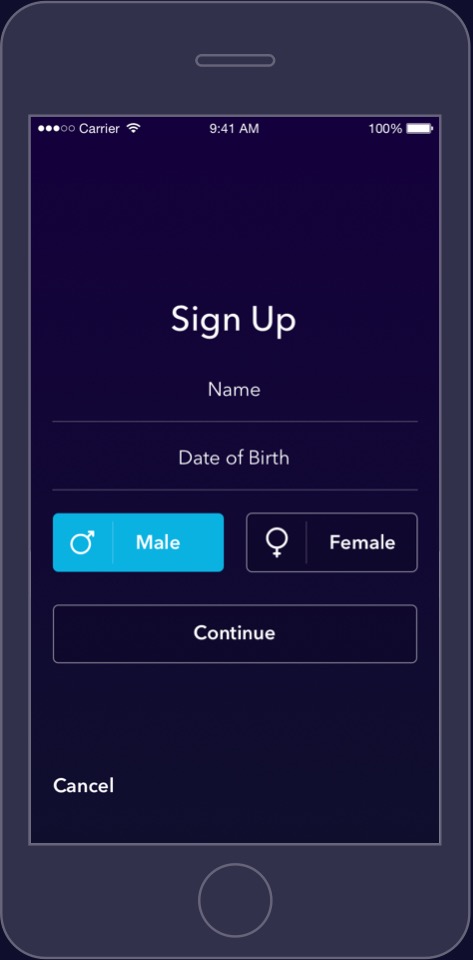
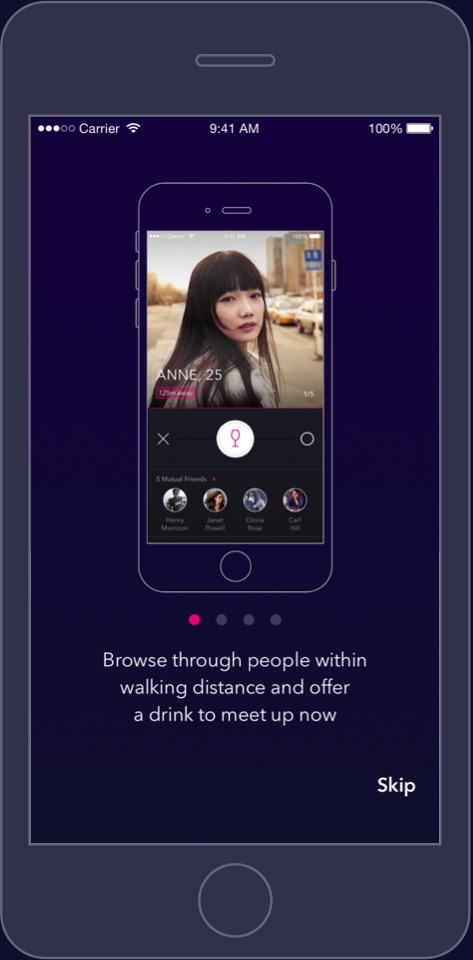
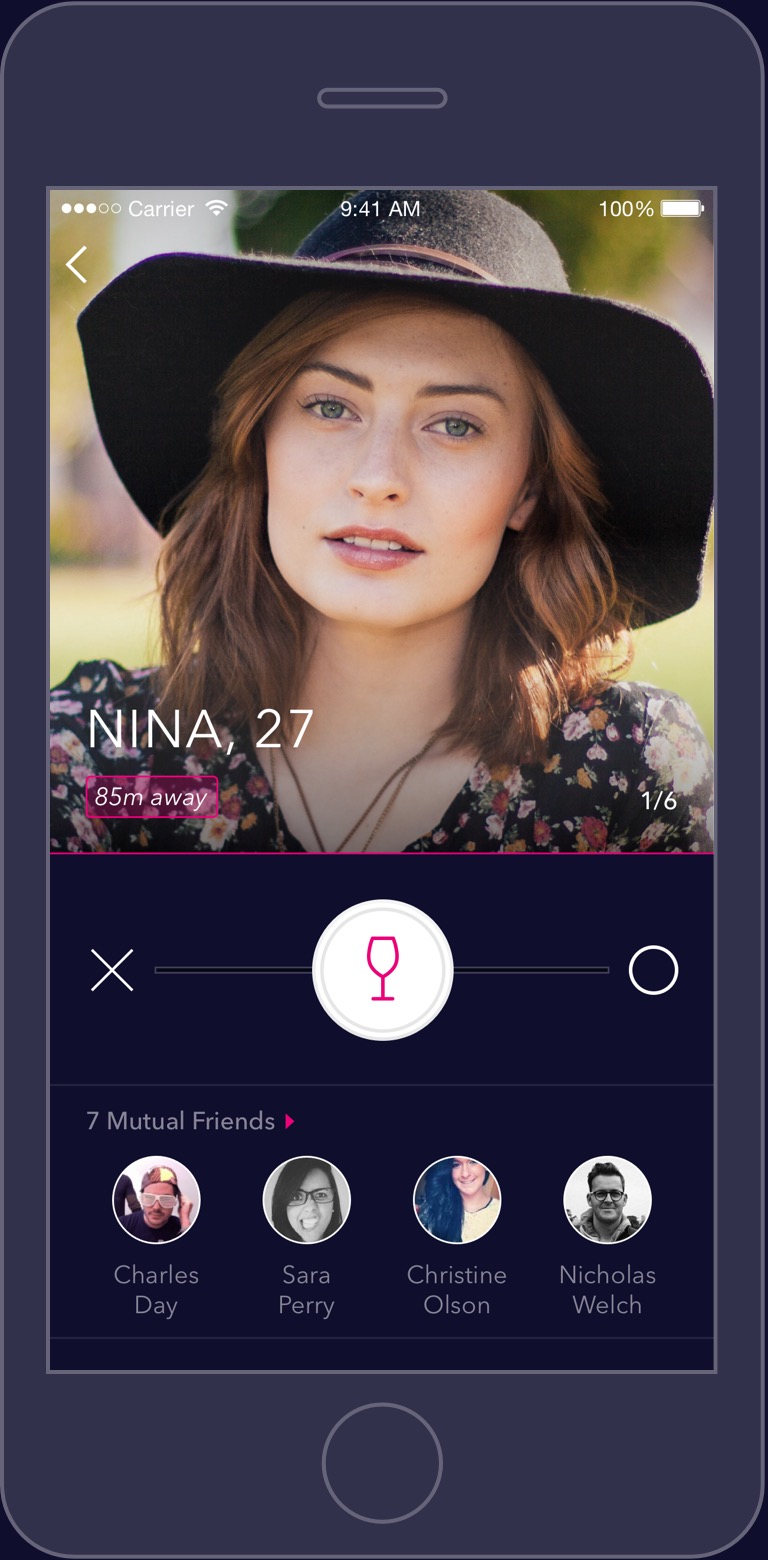
Cheers is one more dating app for millennials, but it minimizes the time and effort wasted on digital conversations by arranging an immediate in-person meetup after a match is made. The app is offered in densely populated Asian cities, where high volumes of couples can be matched within close proximities.
 

UX Problems

01

What are the incentives for users to meet in person as soon as possible?

02

How can Cheers guide users to meet in person seamlessly?

03

How can Cheers improve on the existing matchmaking UI of competitor apps?

01

Problem

What are the incentives for users to meet in person as soon as possible?

Solution

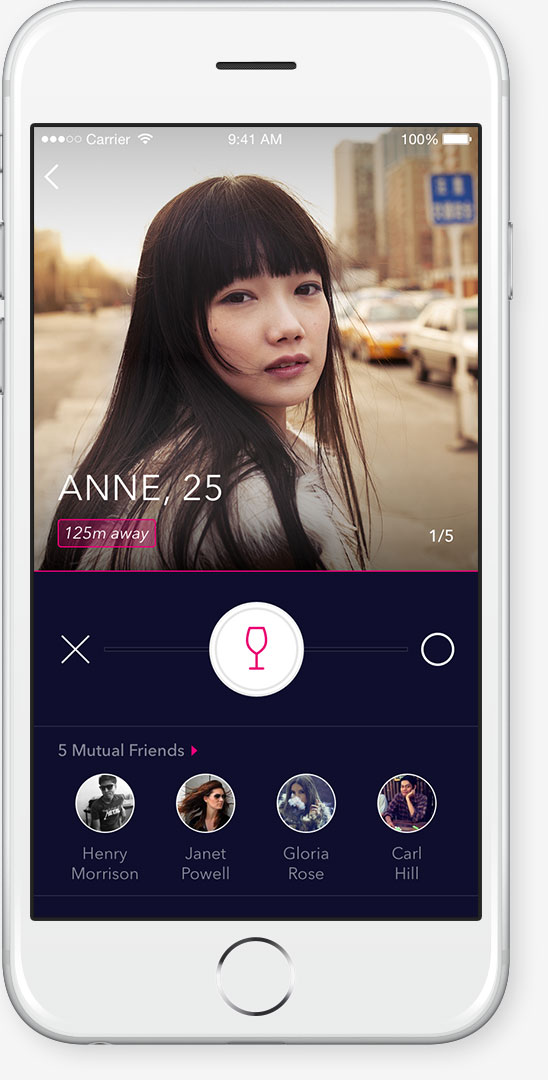
Cheers only shows profiles of users that are nearby and readily available. By "liking" someone in Cheers, the user essentially offers them a drink, and if they accept, a match is made. When matched, users must meet before the time limit expires, or else the match is terminated.
1/5

2/5

3/5

4/5

5/5

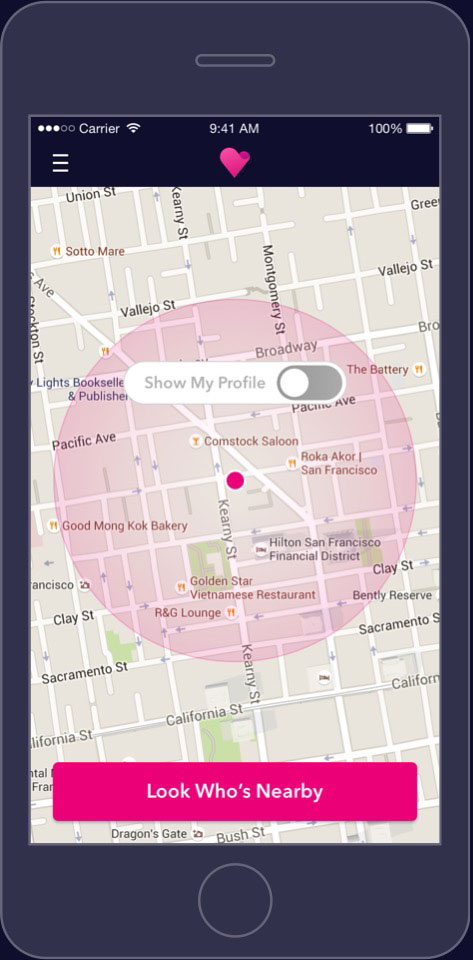
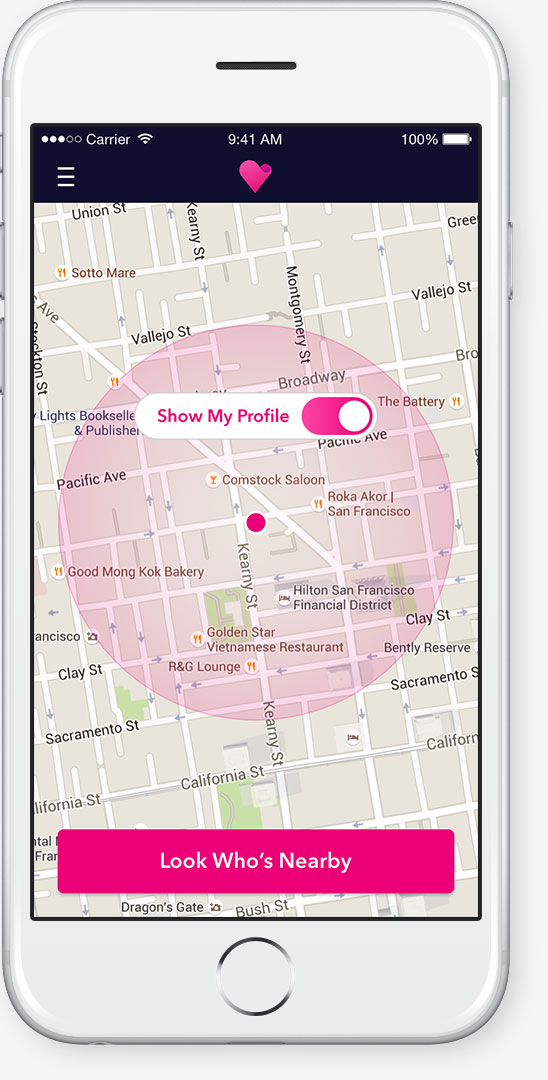
Users are limited to broadcasting their profiles within a walking distance, and upon leaving the zone, broadcasting disables and users are notified to re-enable broadcasting. This ensures the accuracy of user location and status.

The gesture of offering a drink shows eagerness to meet. Accepting shows commitment to the meeting plus a free drink.

When a user offers another a drink, a notification of the drink offer is sent to the latter. Instead of both users "liking" each other, the offerer shows more forwardness, while the receiver feels wanted.

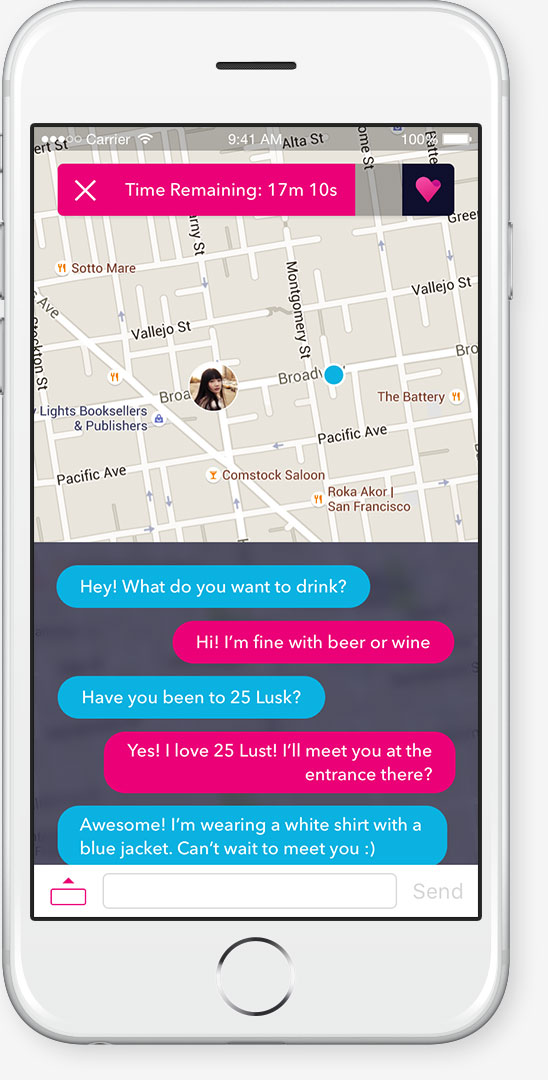
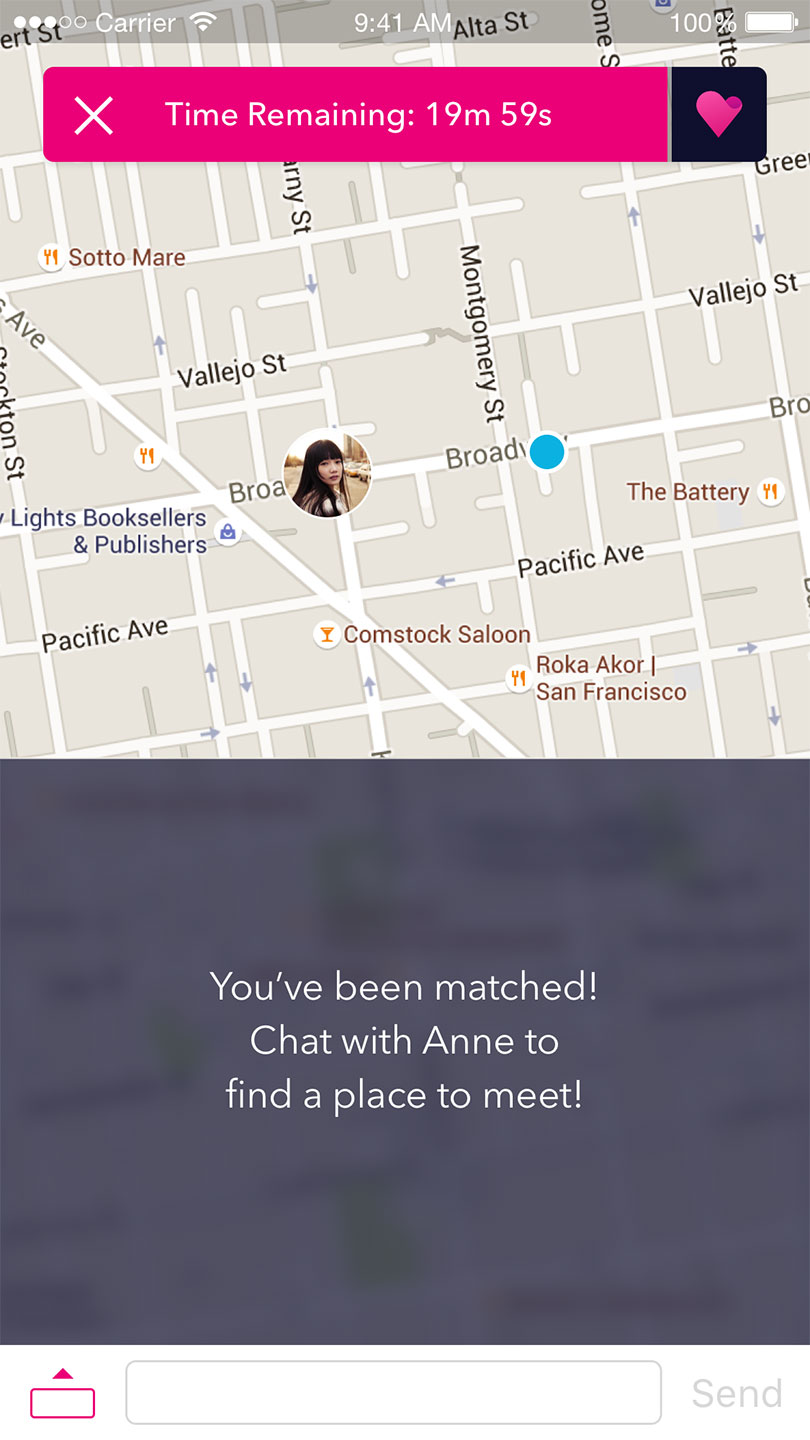
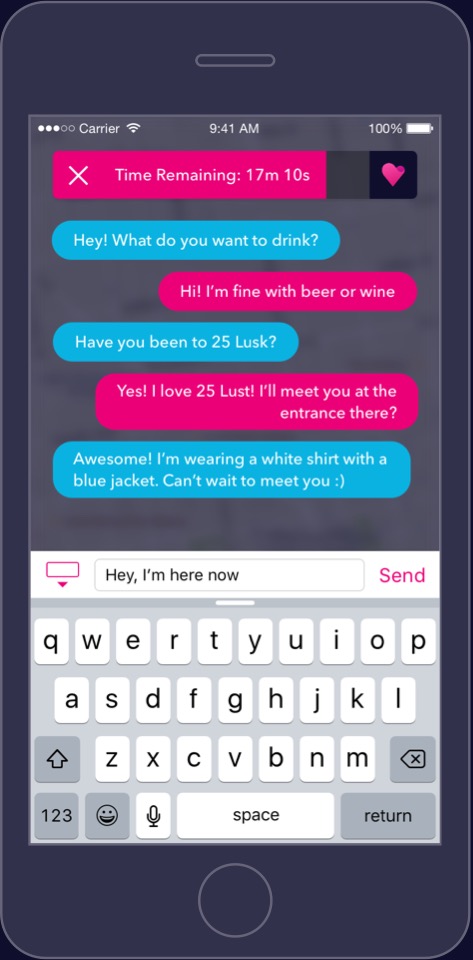
Once matched, users have a time limit to chat and meet in person, or else the match is terminated.
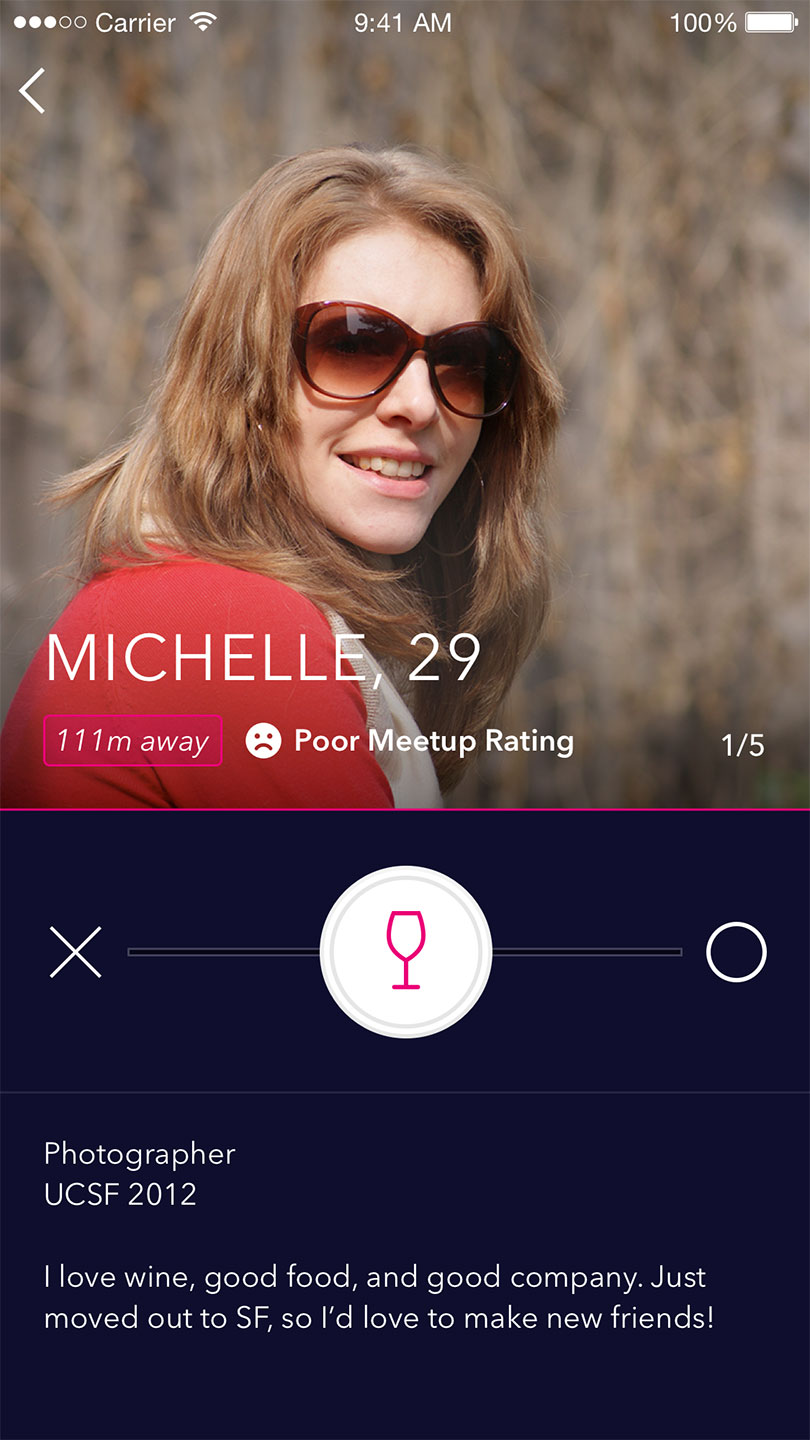
A flaky user is marked on their profile and shunned from other users.

02

Problem

How can Cheers guide users to meet in person seamlessly?

Solution

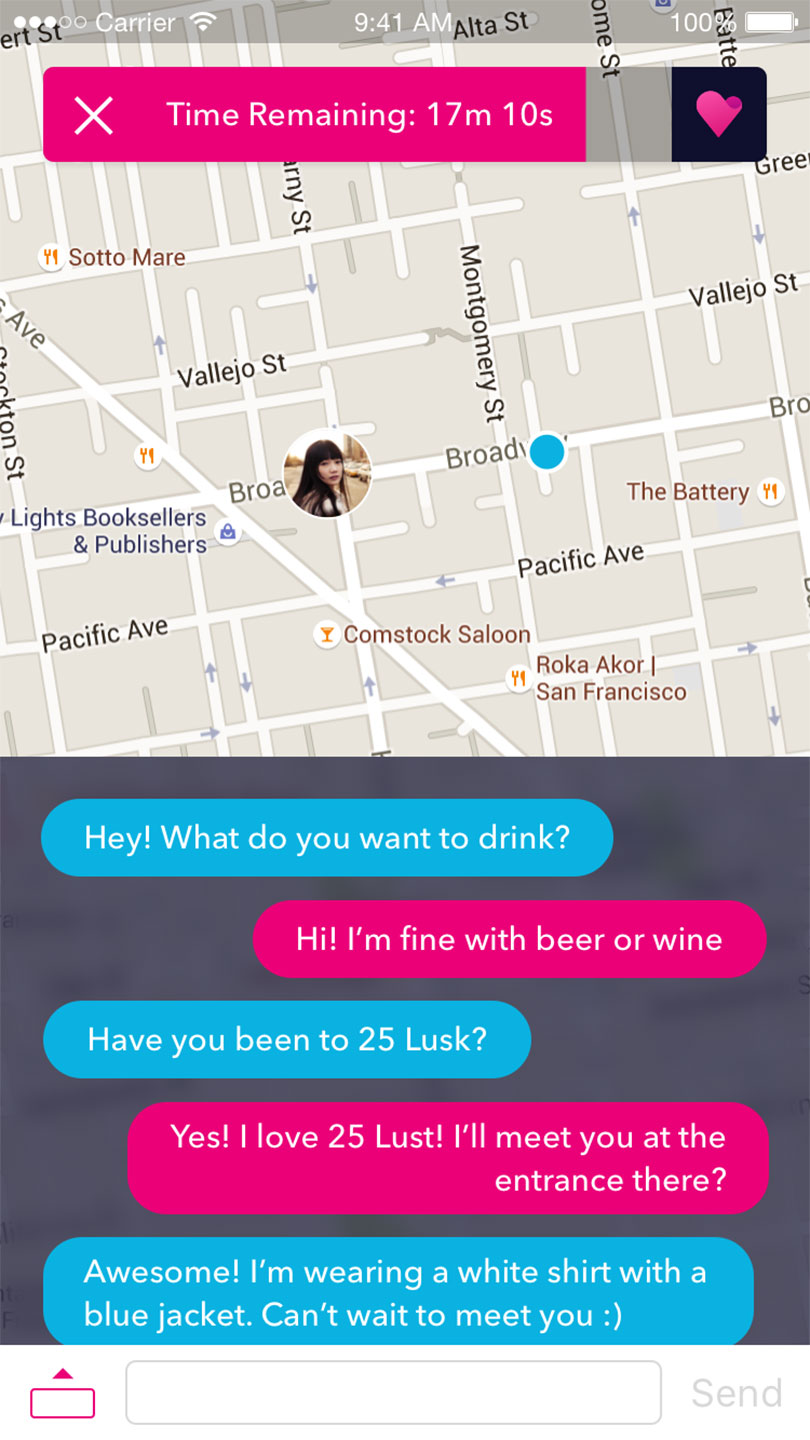
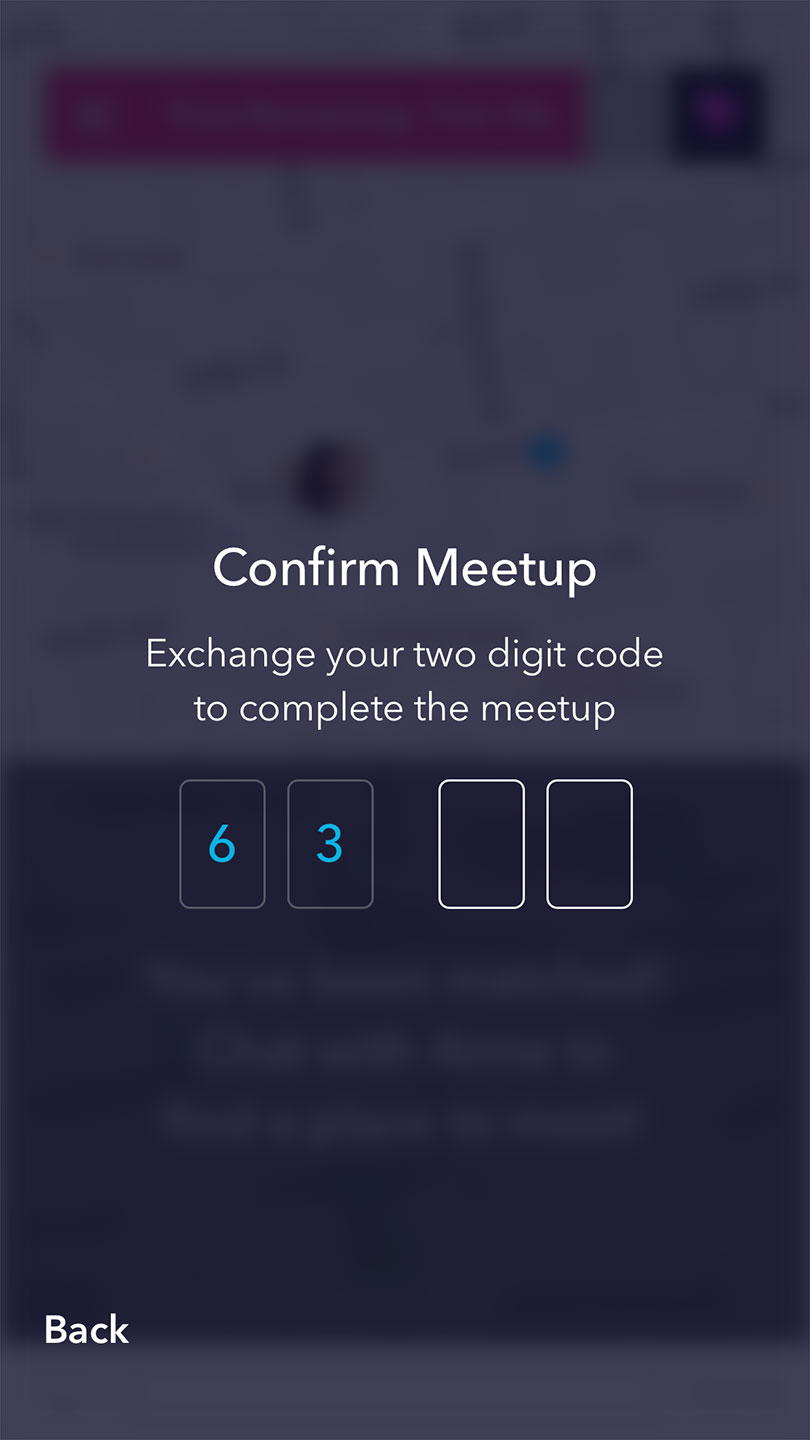
Cheers only matches users within walking distance in order to minimize time spent and distance travelled. When matched, users can use the map and chat to decide on a location that is safe at their own discretion. Upon meeting, users must exchange their given two digit codes in order to finalize the match.

1/5

2/5

3/5

4/5

5/5

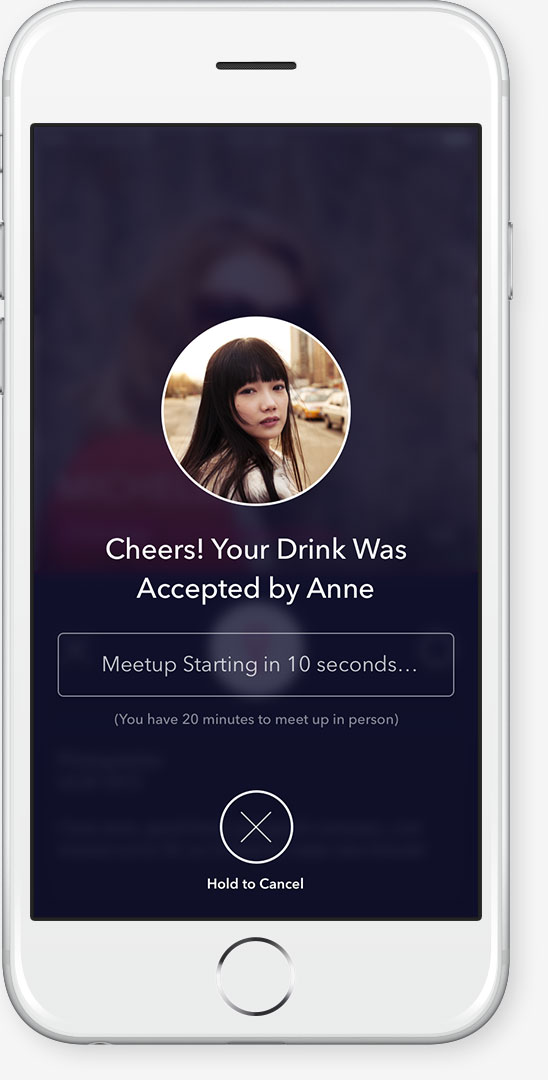
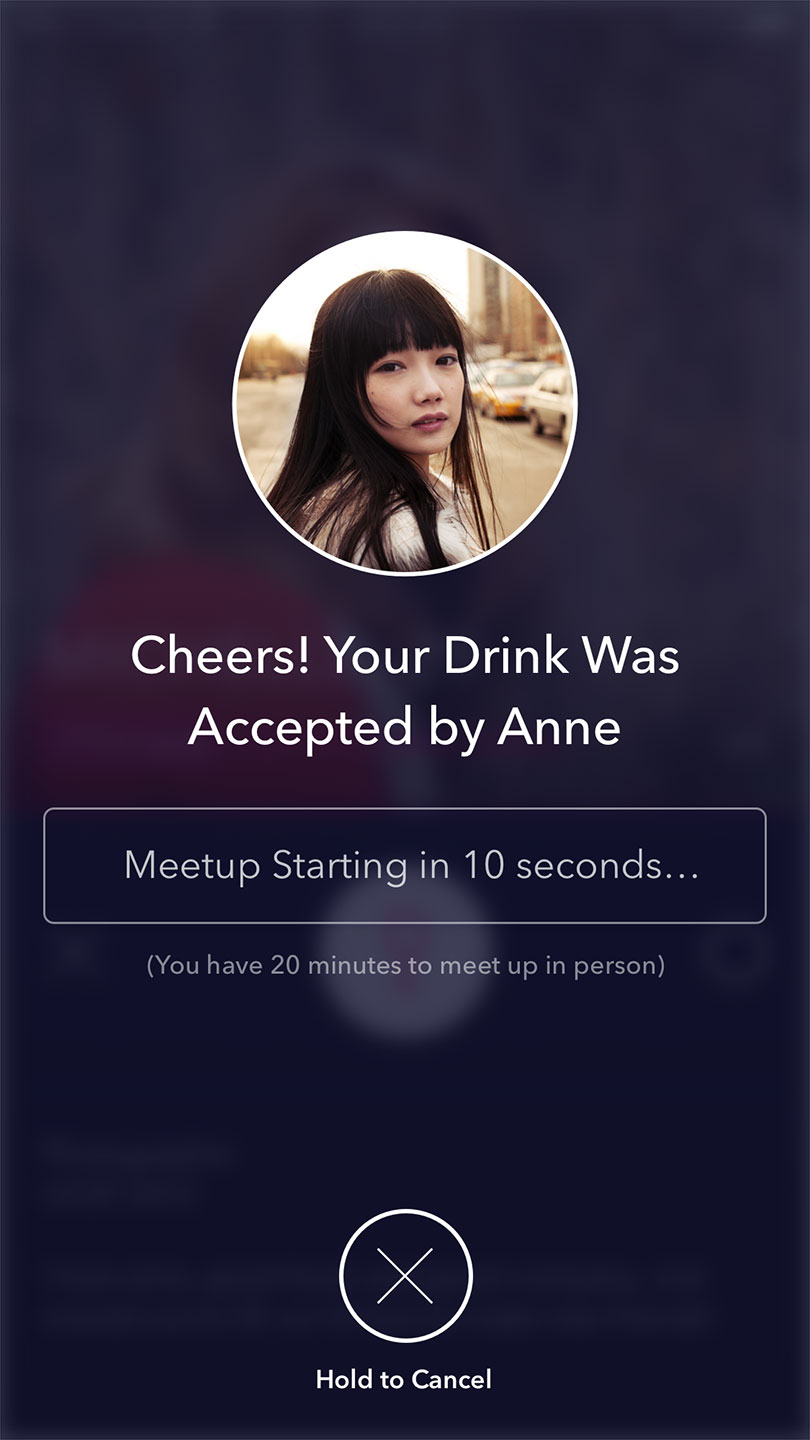
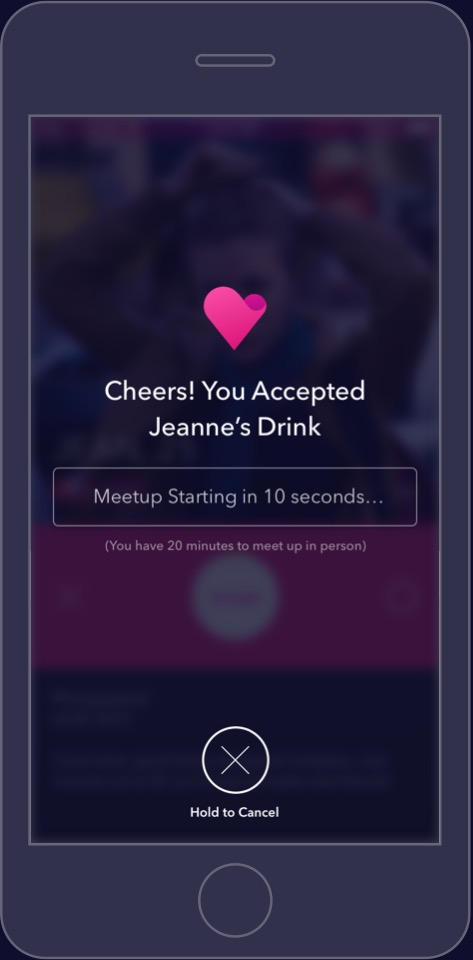
Once a match occurs, a notification is sent to both users, and a ten second buffer begins for the offerer to launch the Cheers app.

After the buffer, the match transitions to the meetup stage, in which users chat and meet at an agreed location within the time limit.

Upon meeting, users must exchange their given two digit codes in order to finalize the match.

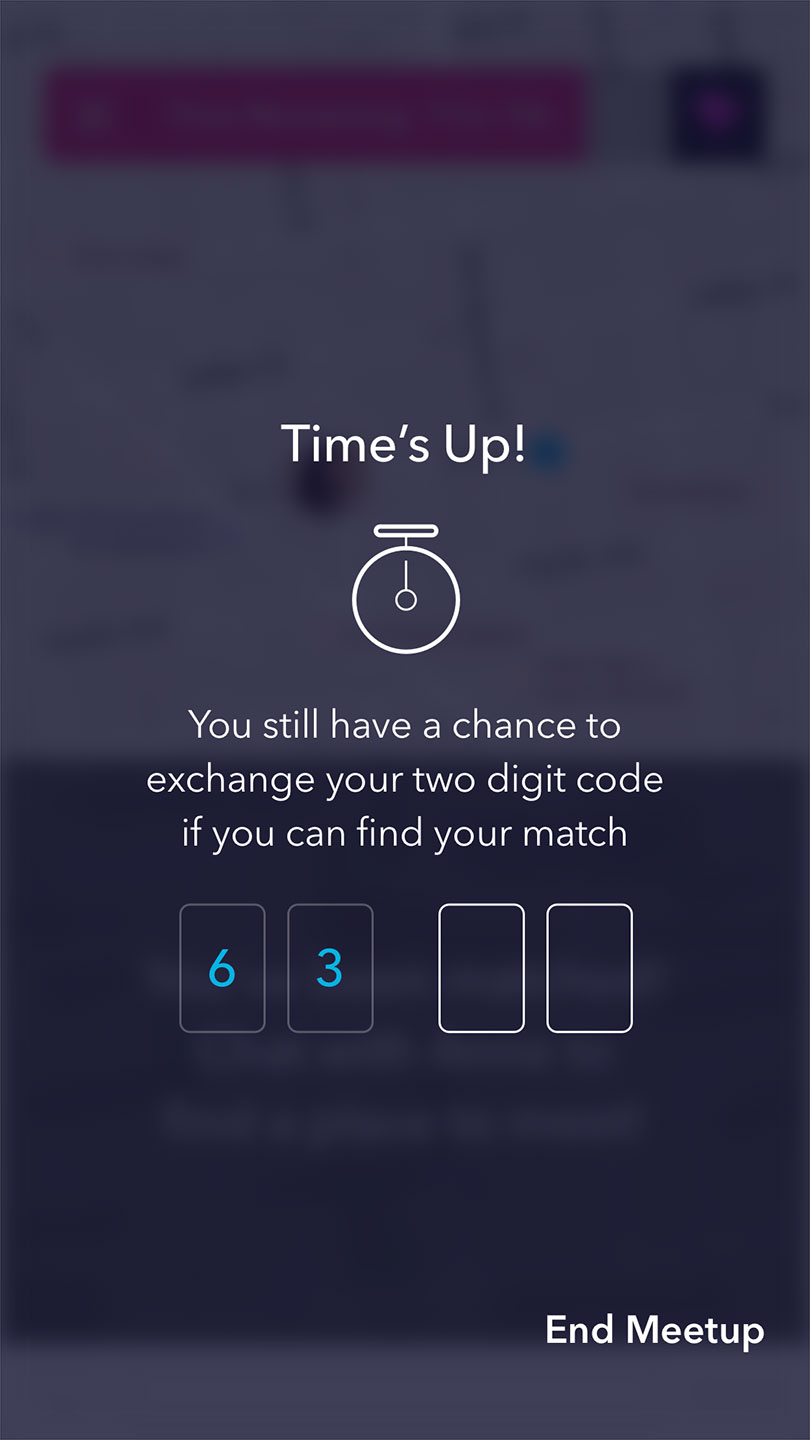
Even if the time limit expires, users can still finalize the match granted that they meet.

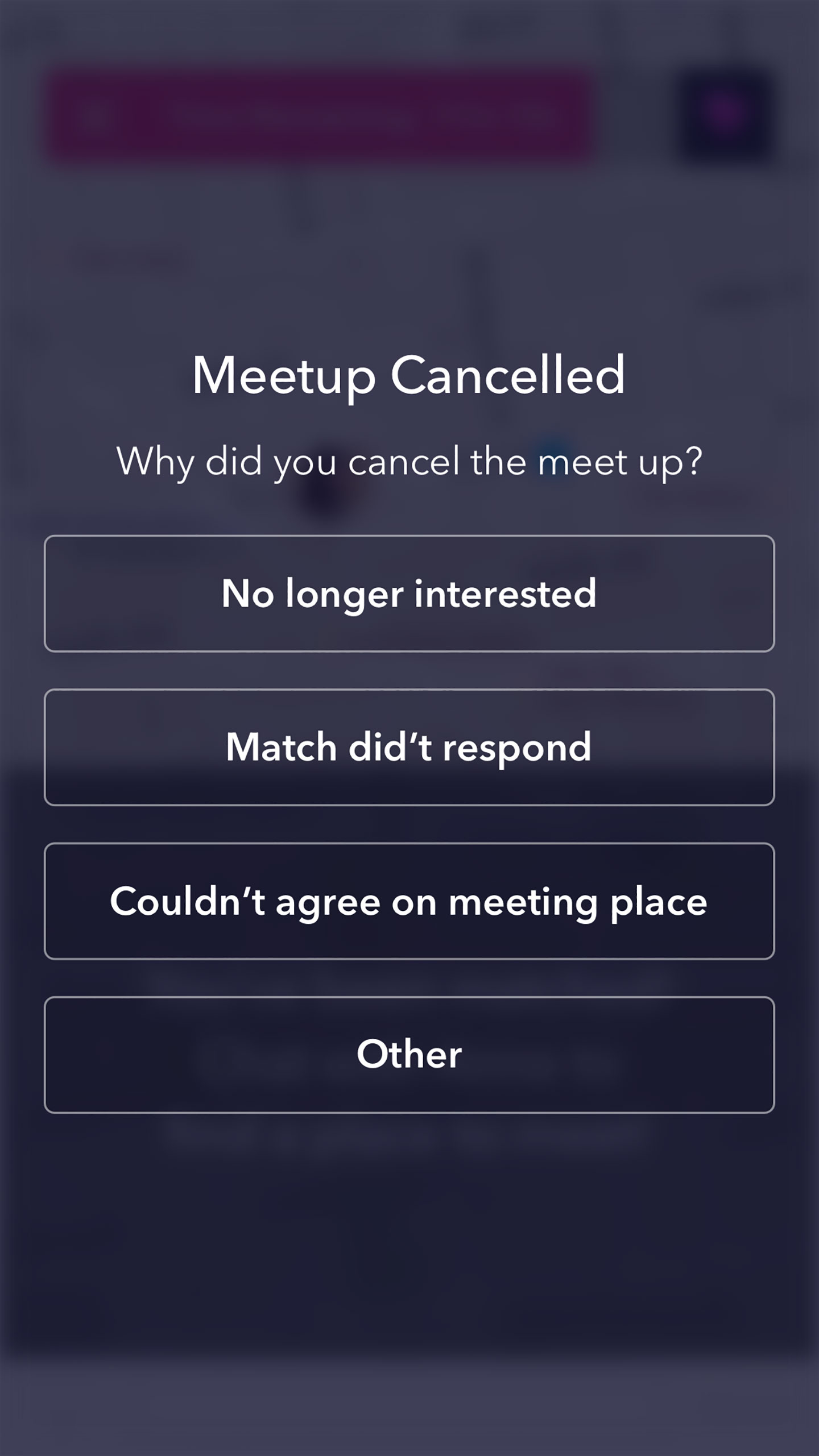
If a user cancels a match, they are asked to provide a reason.

03

Problem

How can Cheers improve on the existing matchmaking UI of competitor apps?

Solution

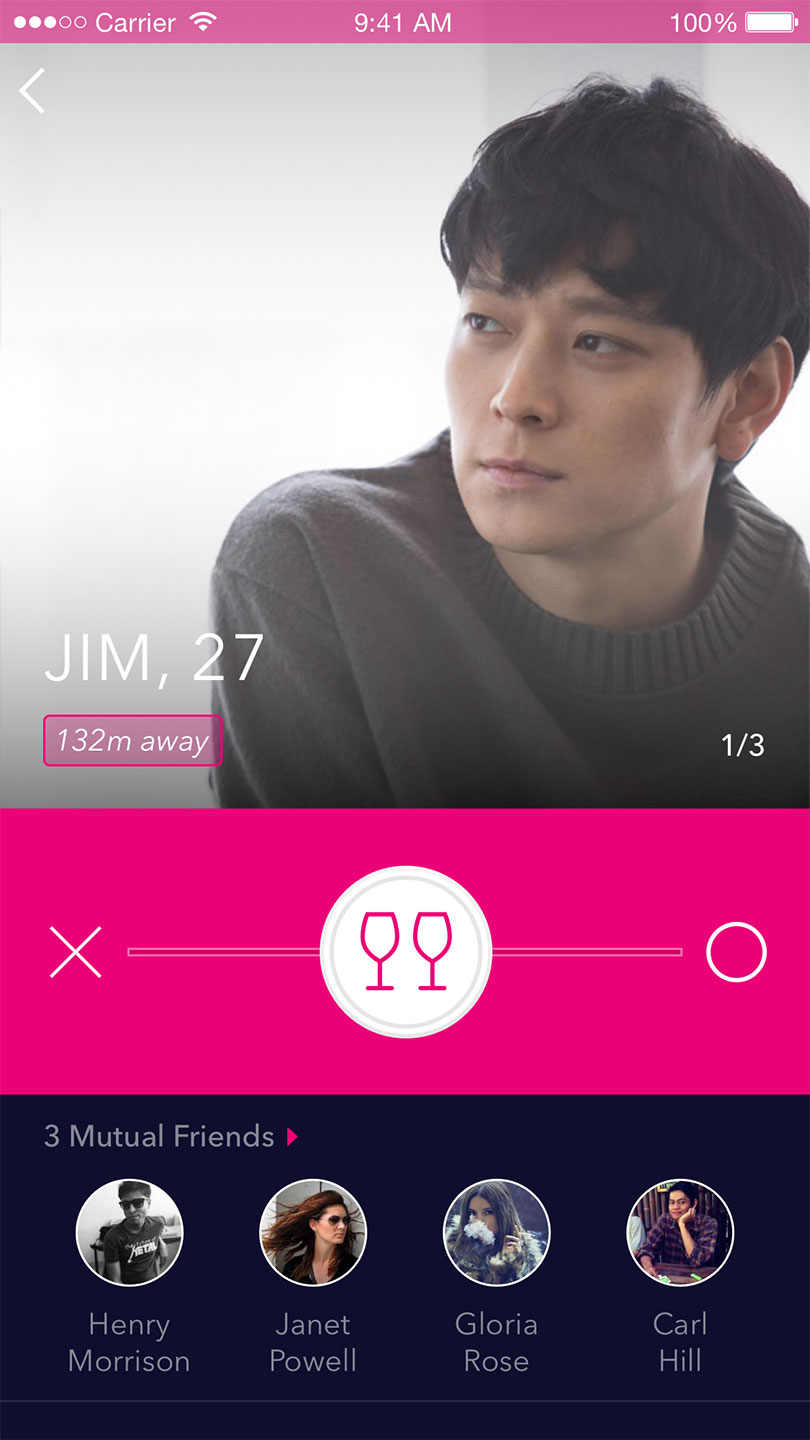
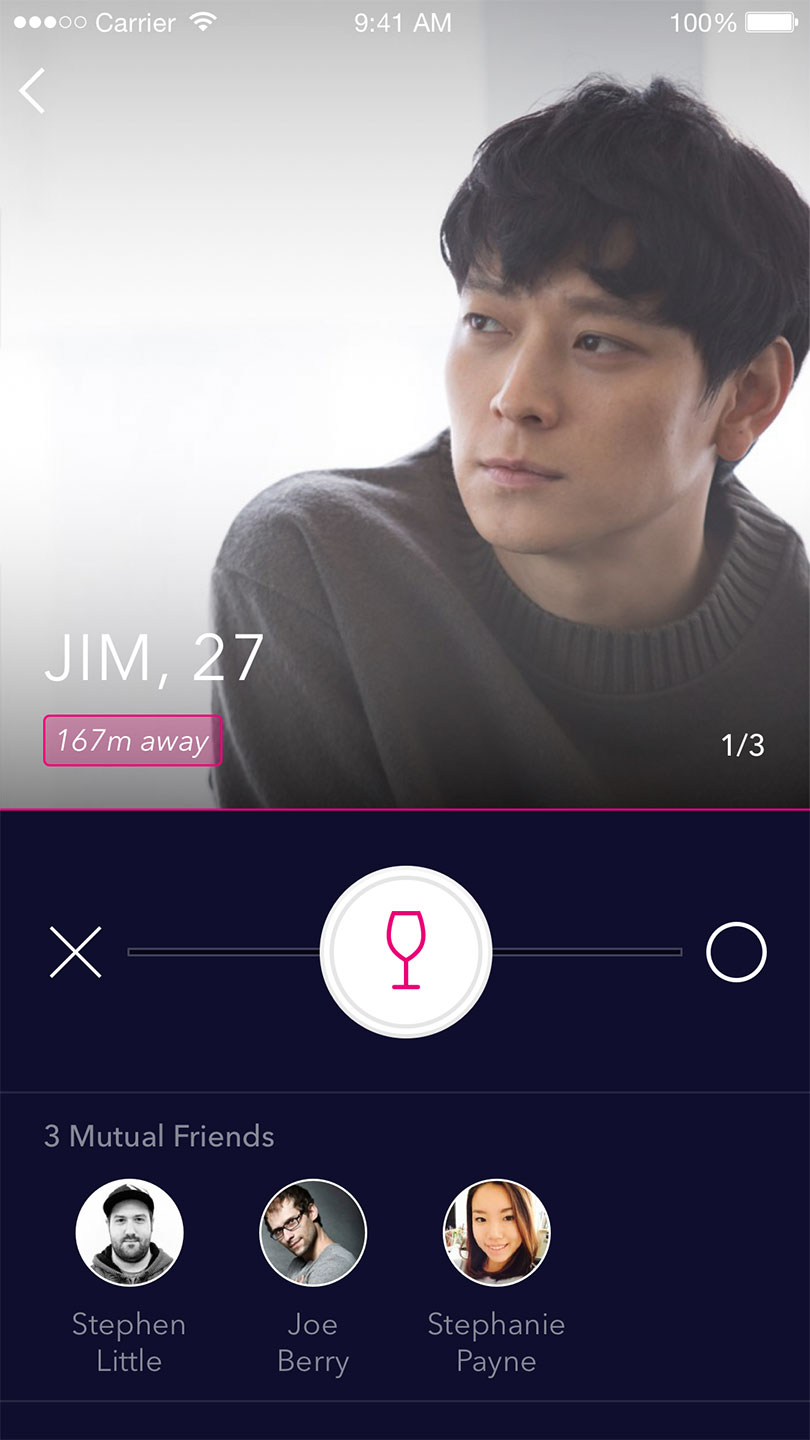
The card-swipe UI, commonly used for matchmaking in dating apps, works extremely well. Rather than reinventing the wheel, Cheers builds on it with visual and usability improvements in the profile design.
1/4

2/4

3/4

4/4

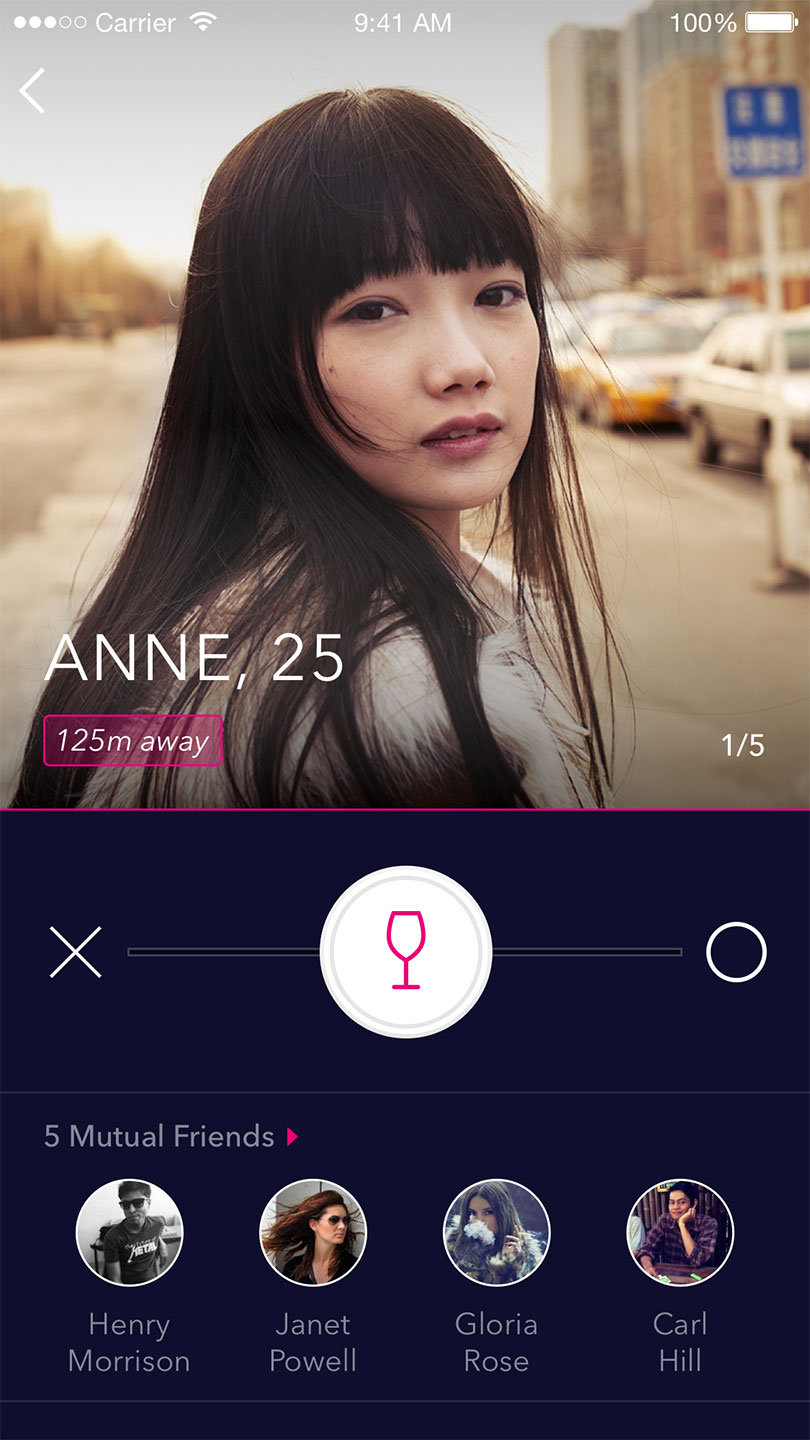
The profile is only a single layer, so that users can avoid navigating back and forth between a minimal and detailed layers of the profile.

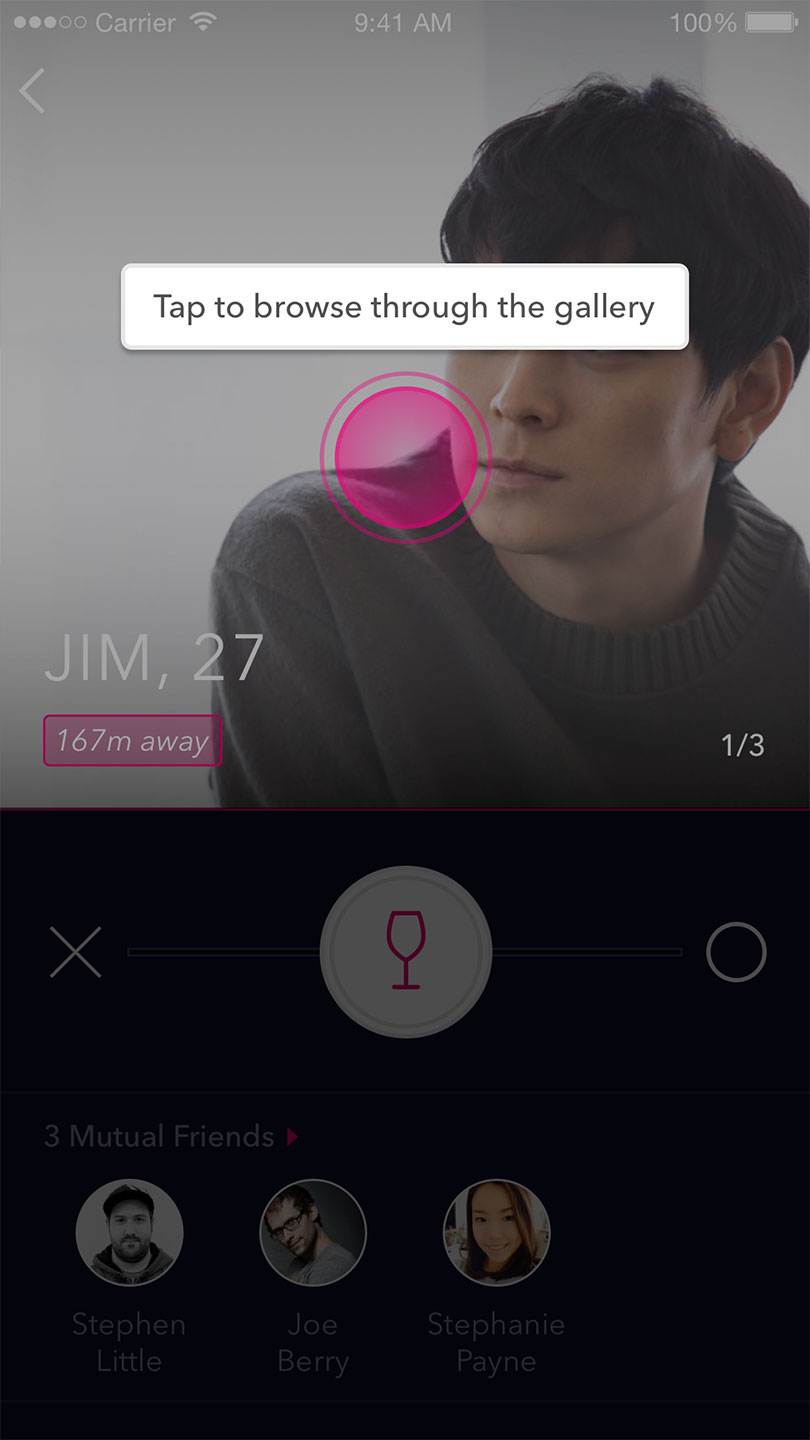
Users can swipe left and right with the slider knob, which snaps back to the center, to pass or offer a drink. To avoid conflict with swiping, users can browse the gallery by tapping.

If a user offers a drink, their profile is placed next in the receiver's queue in order to expedite matchmaking.

The visual design stands out from competitors, because Cheers, by nature, caters to nightlife and weekend settings.

04
More Screens
05
Branding