Project

Dor

Platform

Web / Mobile Web

Role

UX / UI / Branding

Year

2015-2016

00
Background

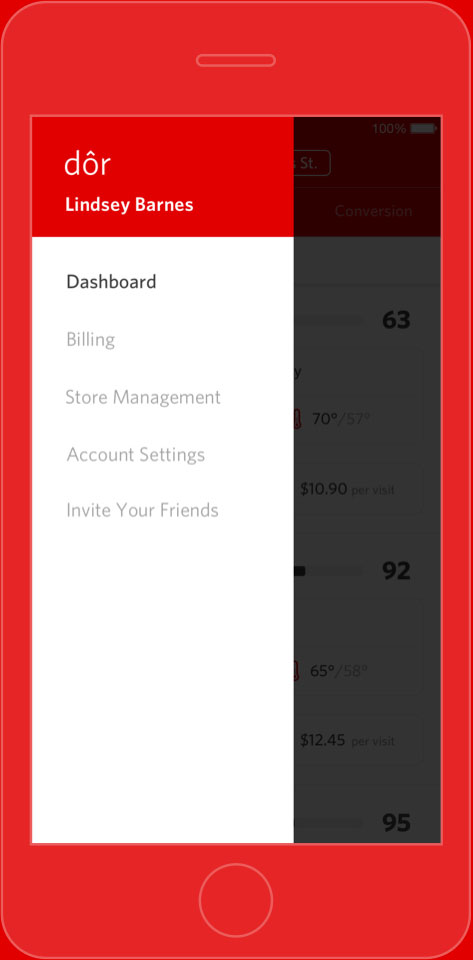
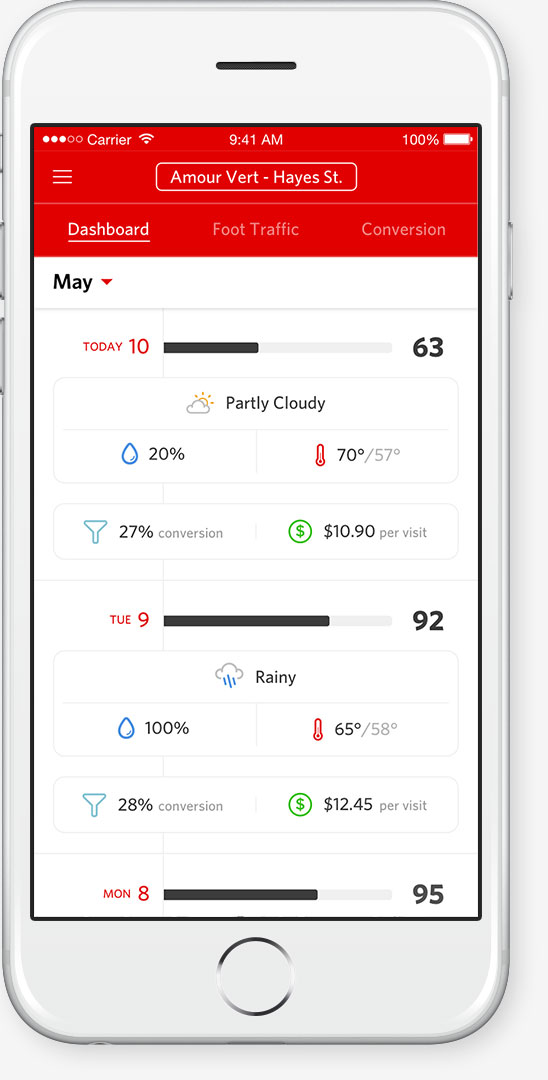
Dor is a retail analytics tool that tracks customer traffic for retail businesses by using a proprietary sensor. Dor correlates customer traffic to other relevant store data, such as POS, weather, and local events, to discover and deliver meaningful insights about the business. Product Site
 

UX Problems

01

How can Dor present dense store data as more digestible information?

02

How can Dor's product page pique the interest of business owners?

03

How can Dor simplify the difficult buyer journey for retail analytics?

01

Problem

How can Dor present dense store data as more digestible information?

Solution

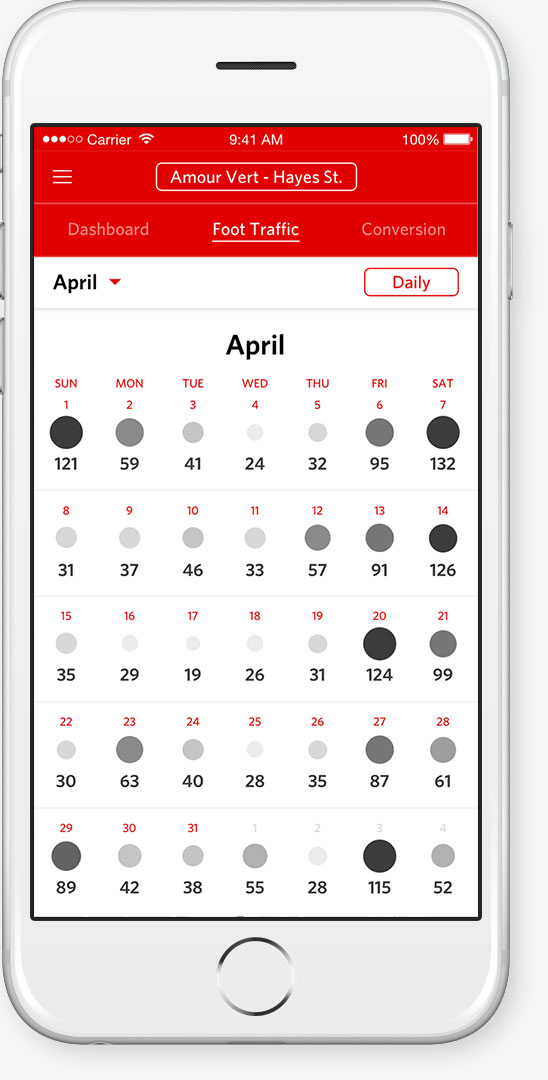
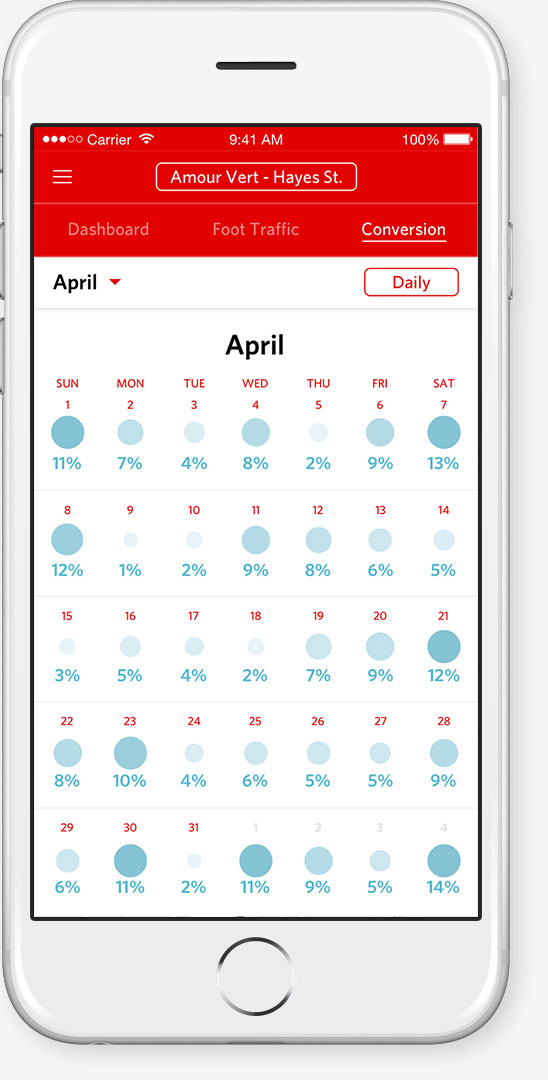
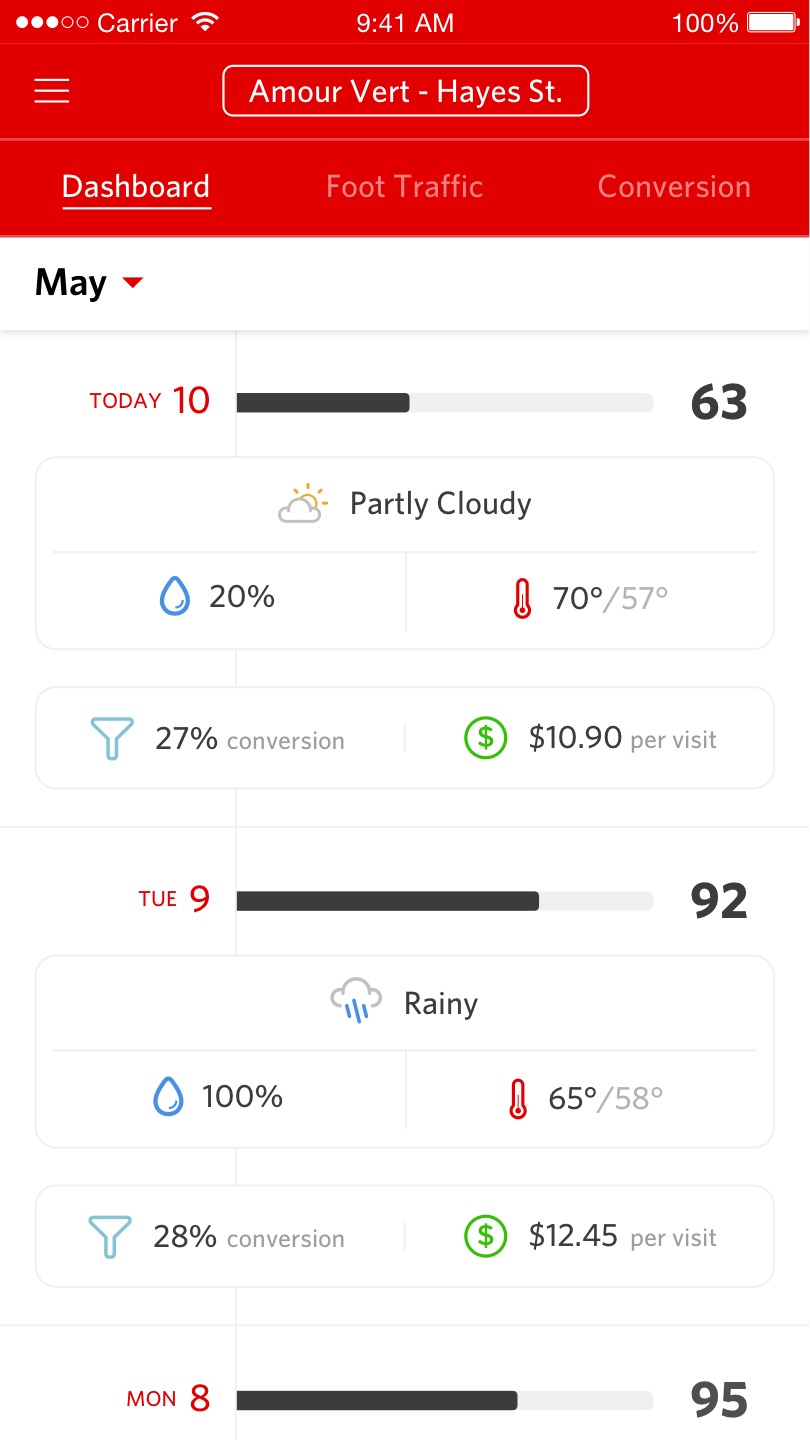
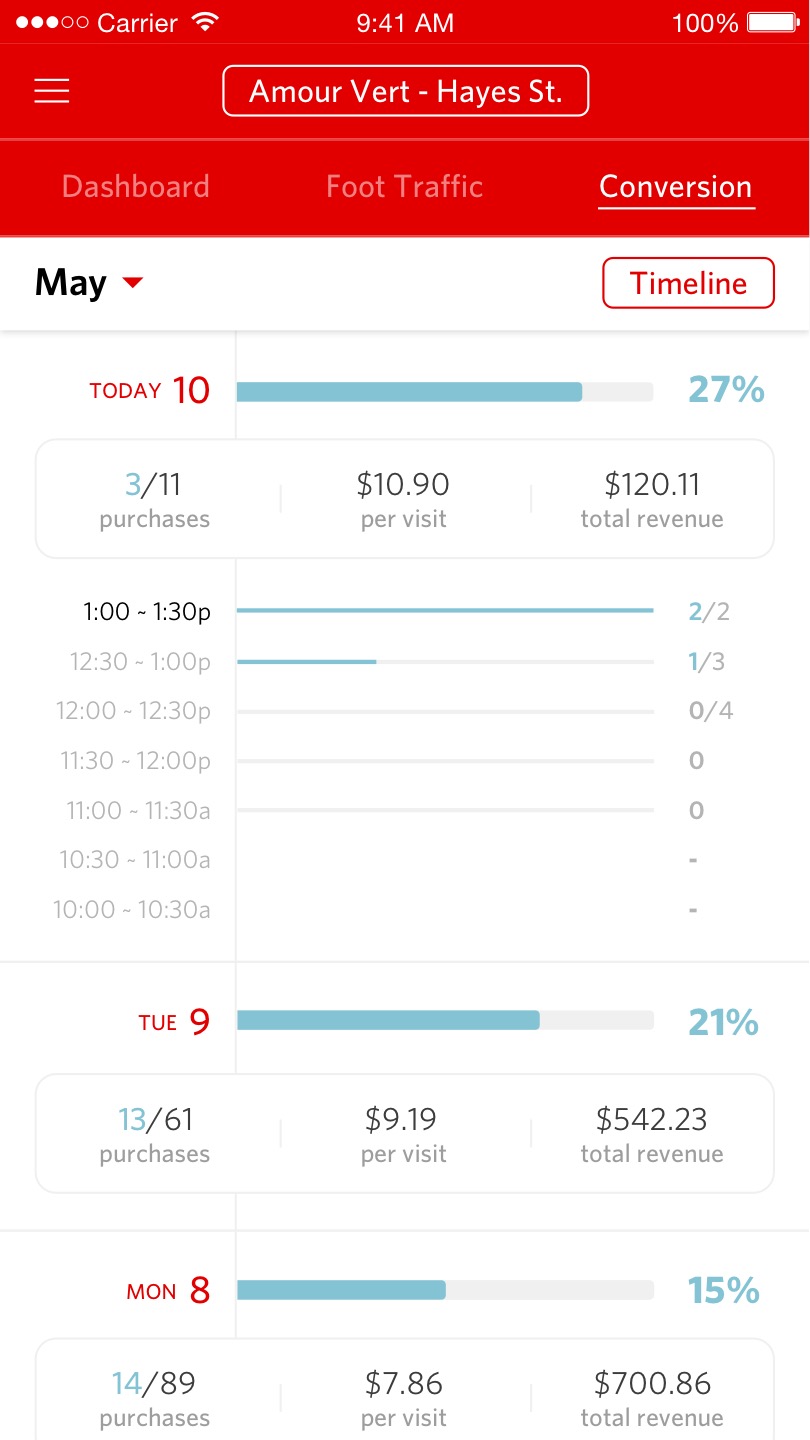
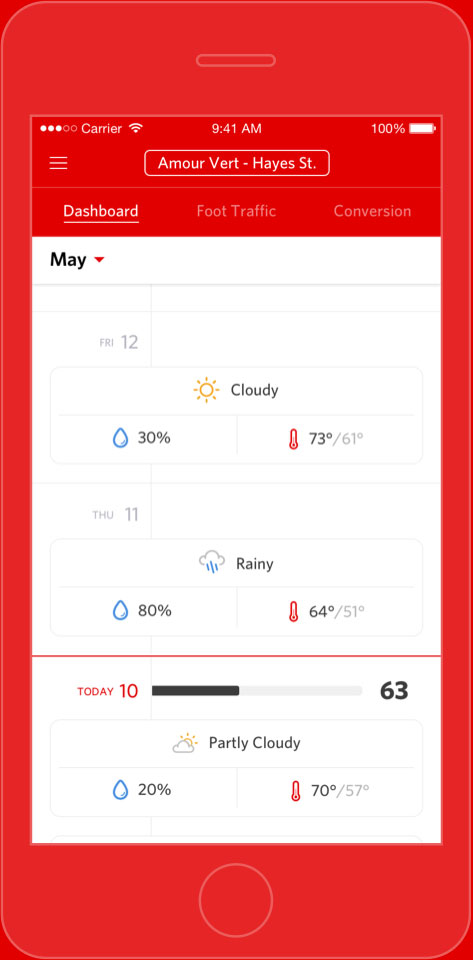
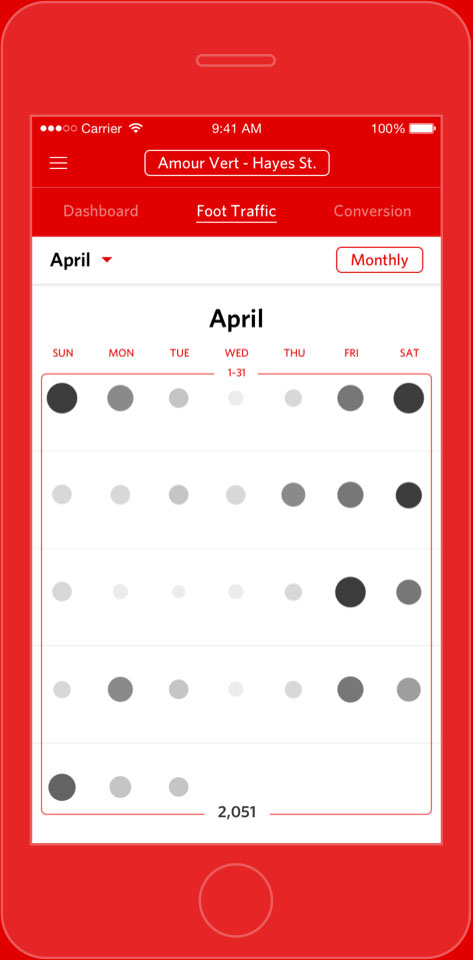
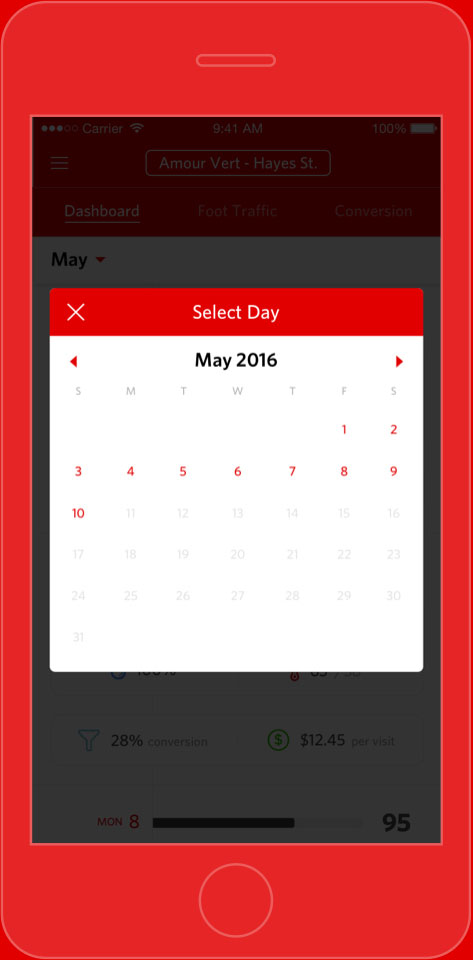
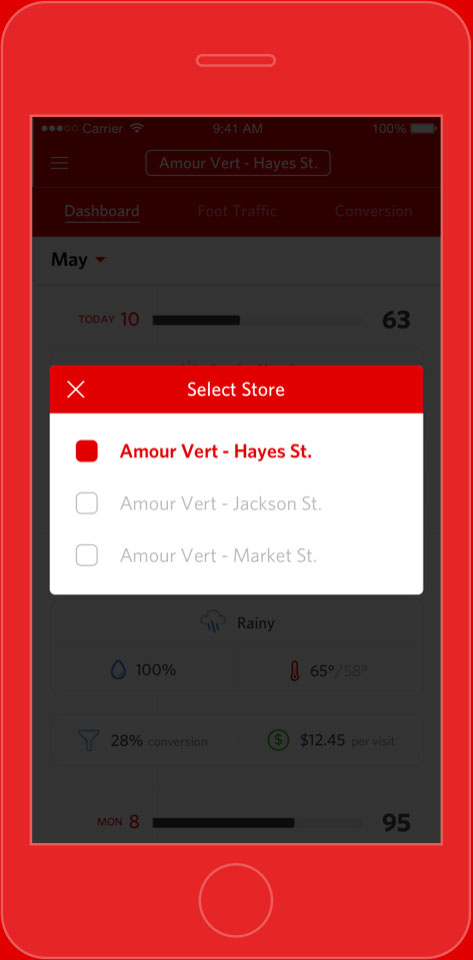
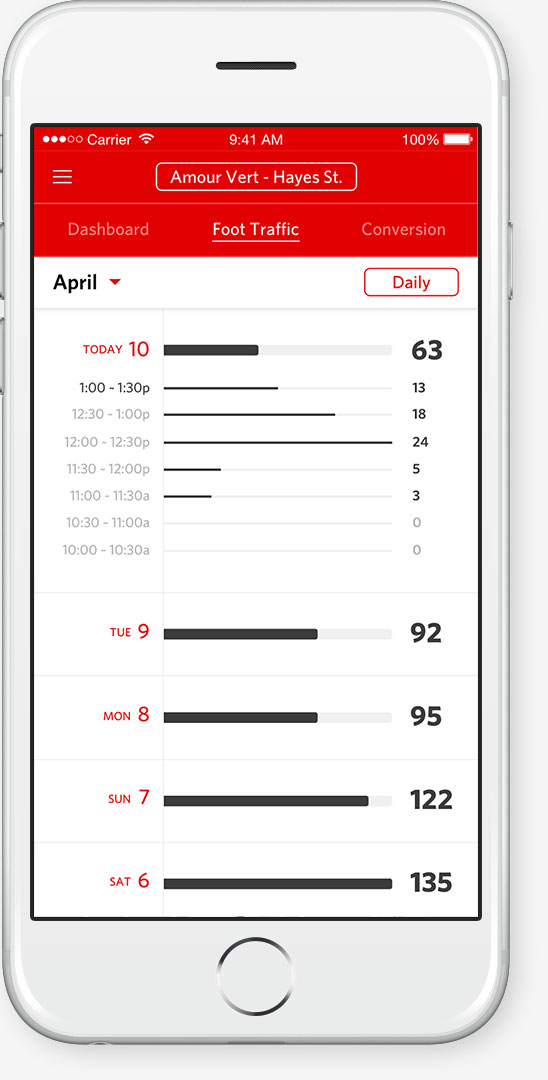
Dor separates each data point into its own tab and visualizes the data on a vertical timeline, which enables users to easily navigate between days and toggle in and out of granular data. Users can also switch to a calendar view to see big picture trends.

1/6

2/6

3/6

4/6

5/6

6/6

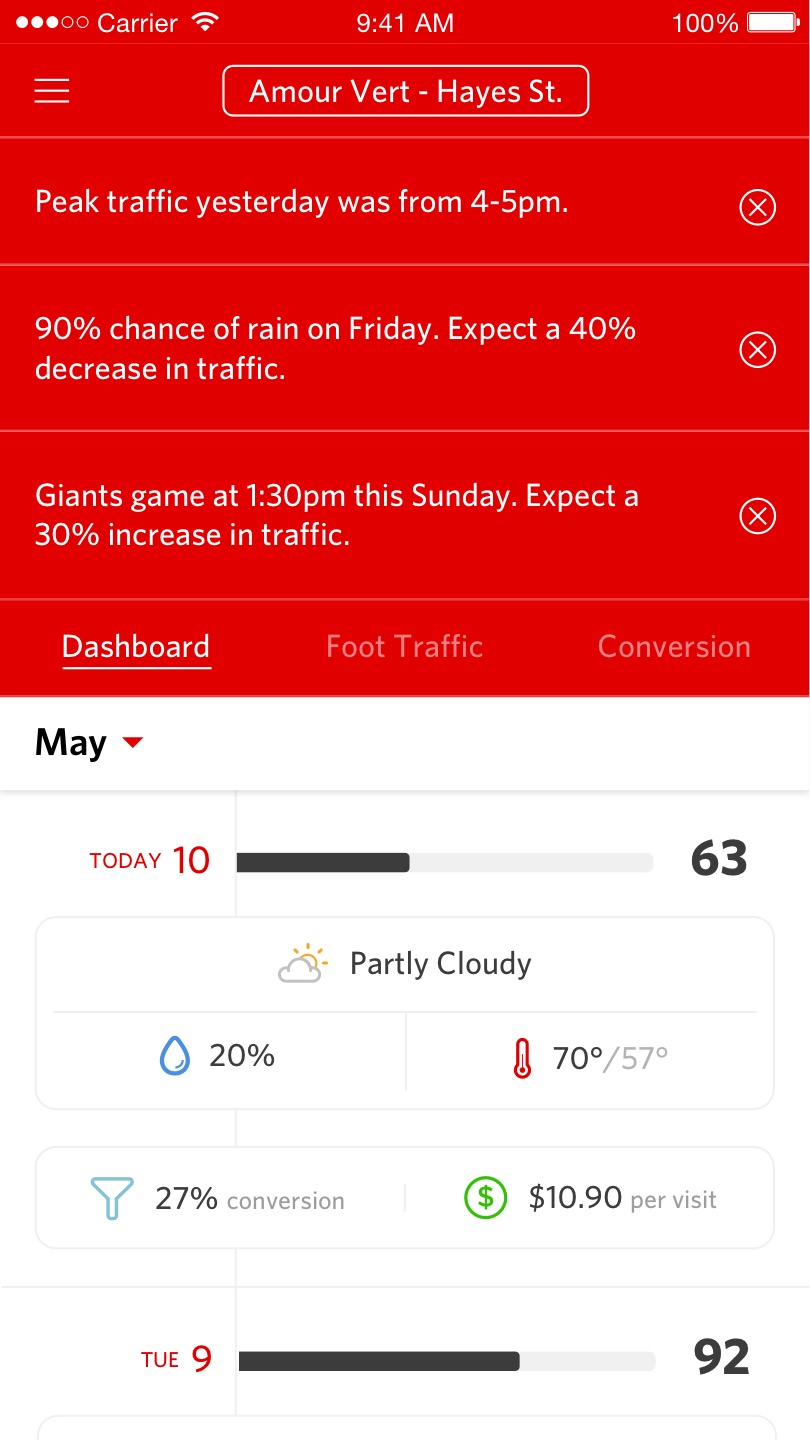
Upon loading the app, users see a list of actionable insights for the day.

The dashboard uses a card system to display a summary of each data point.

Users can dive into specific data points to see granular data. Each date can be toggled to reveal half-hourly data.

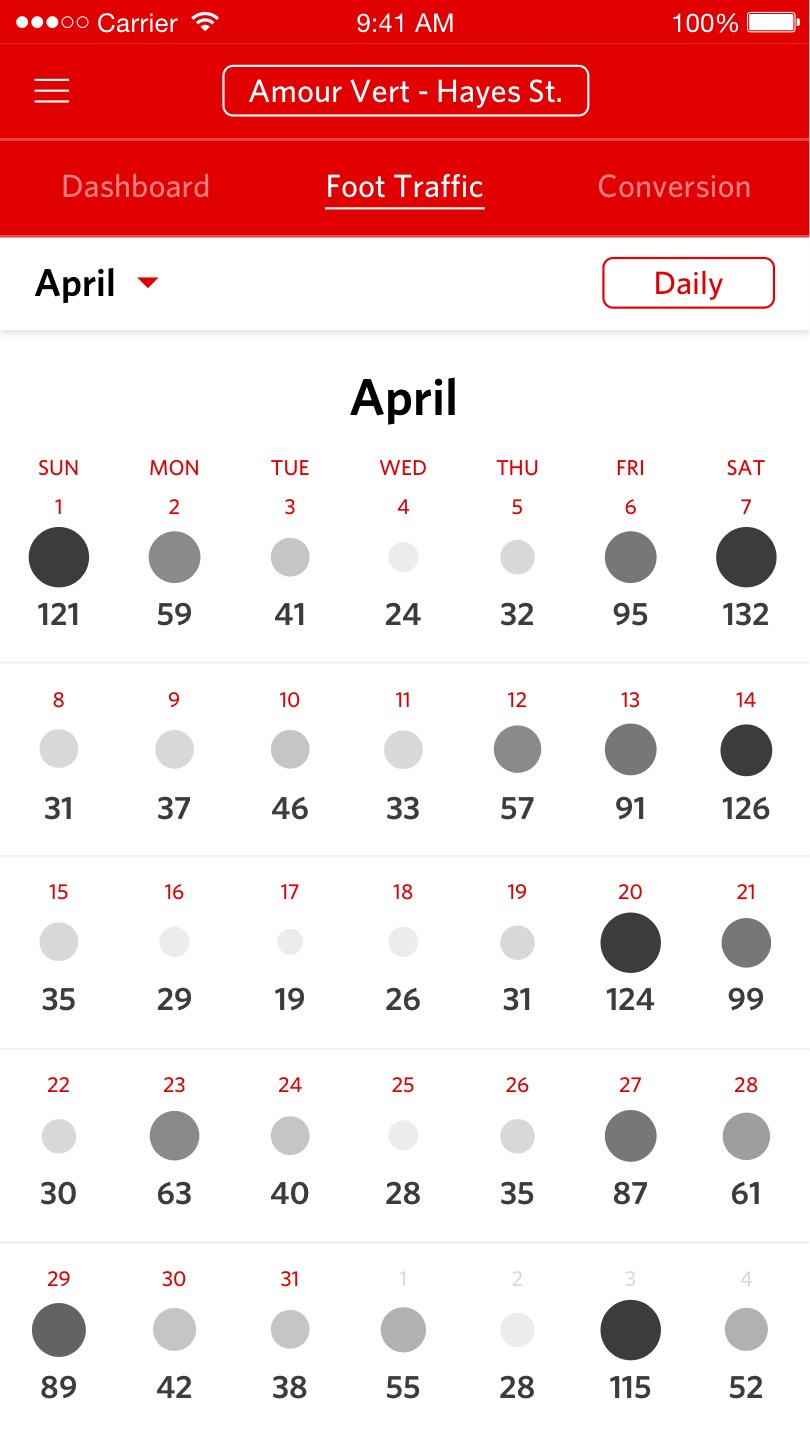
Users can switch to a calendar view to see big picture trends

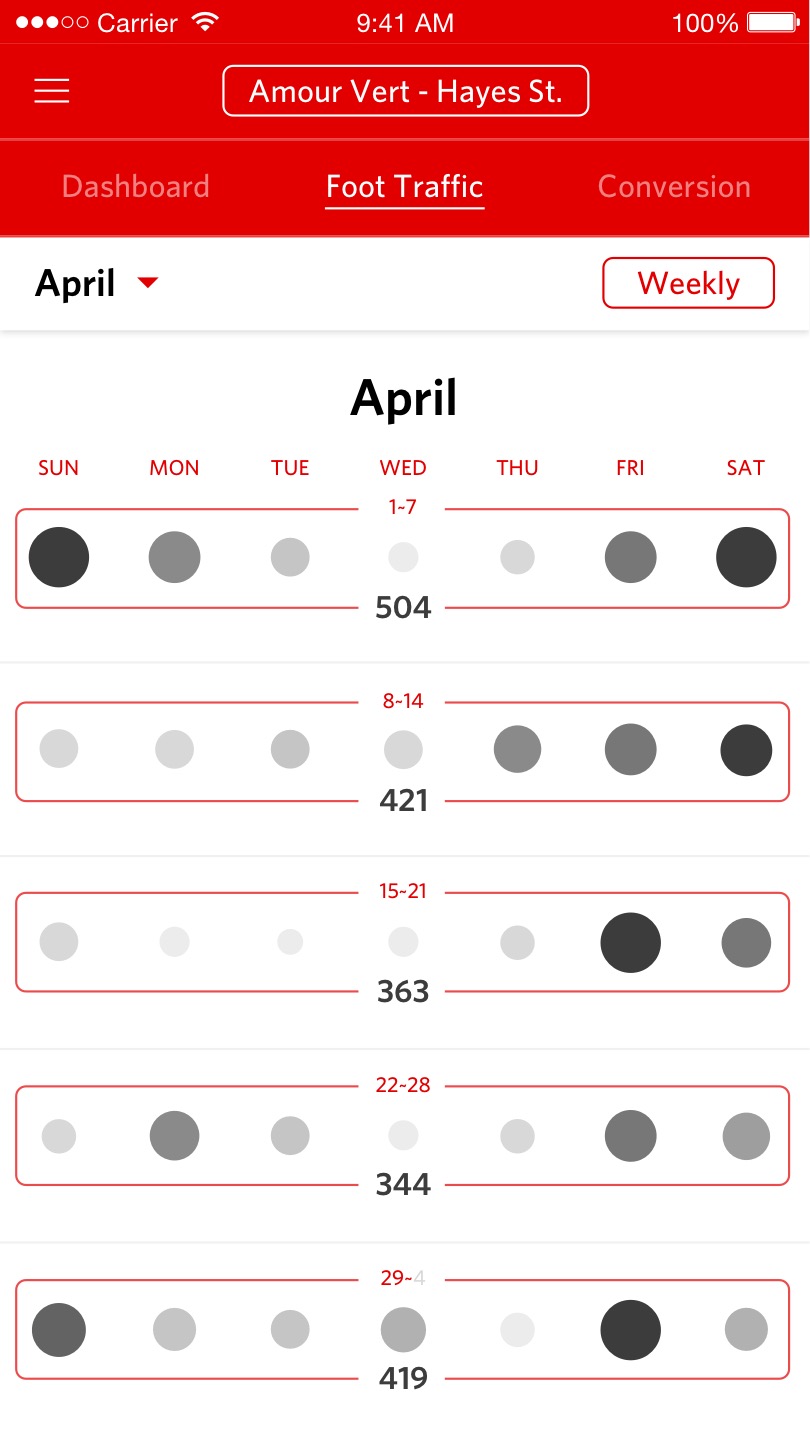
Users can also switch to weekly and monthly totals in the calendar view.

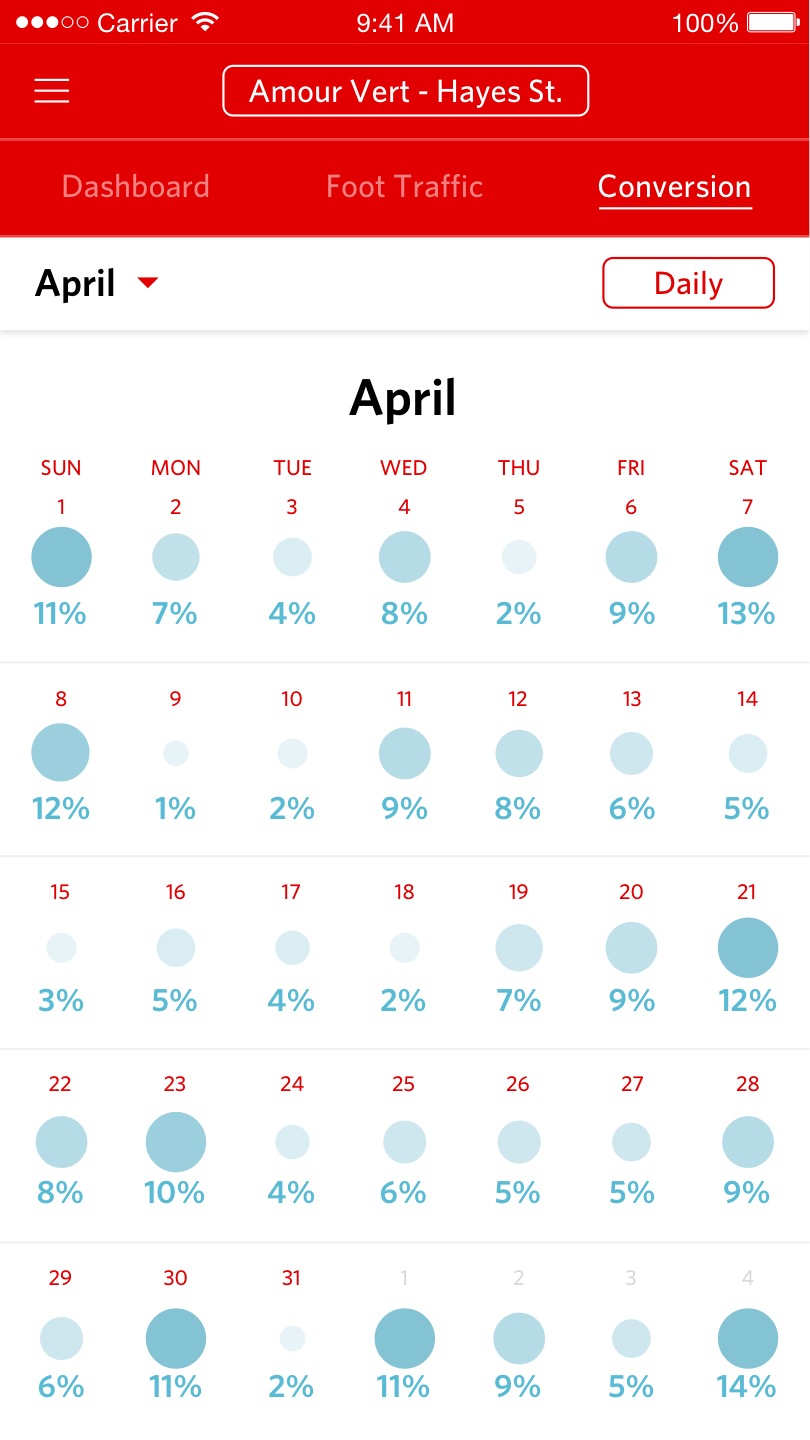
Only a single data point can be displayed in calendar view.

02

Problem

How can Dor's product page pique the interest of business owners?

Solution

While Dor includes a hardware component, the core of the product lies in the analytics solution. Rather than inducing gear-lust with images of the sensor, Dor's product page is forthright in showing how retail analytics can effectively help businesses.

1/6

2/6

3/6

4/6

5/6

6/6

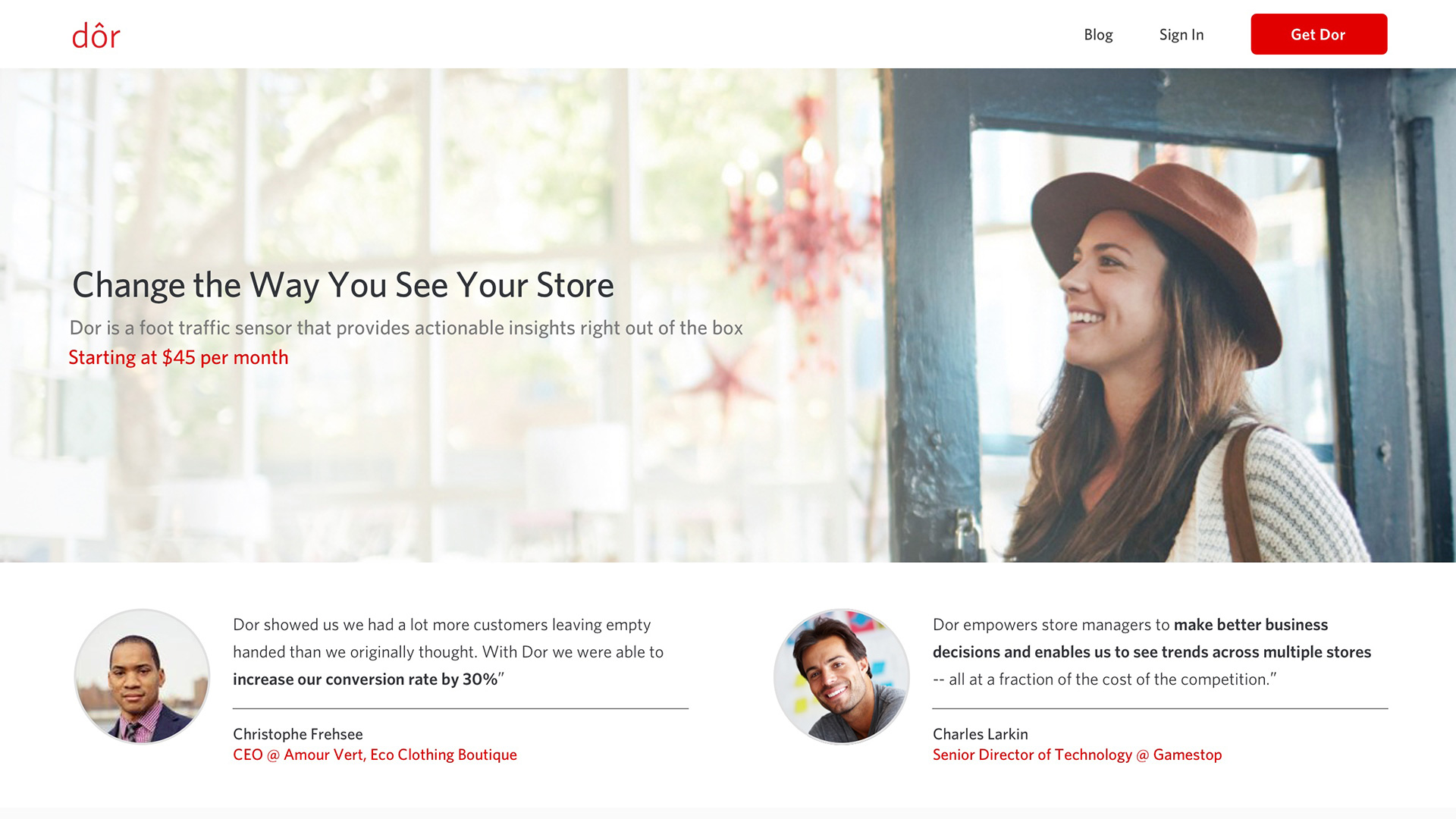
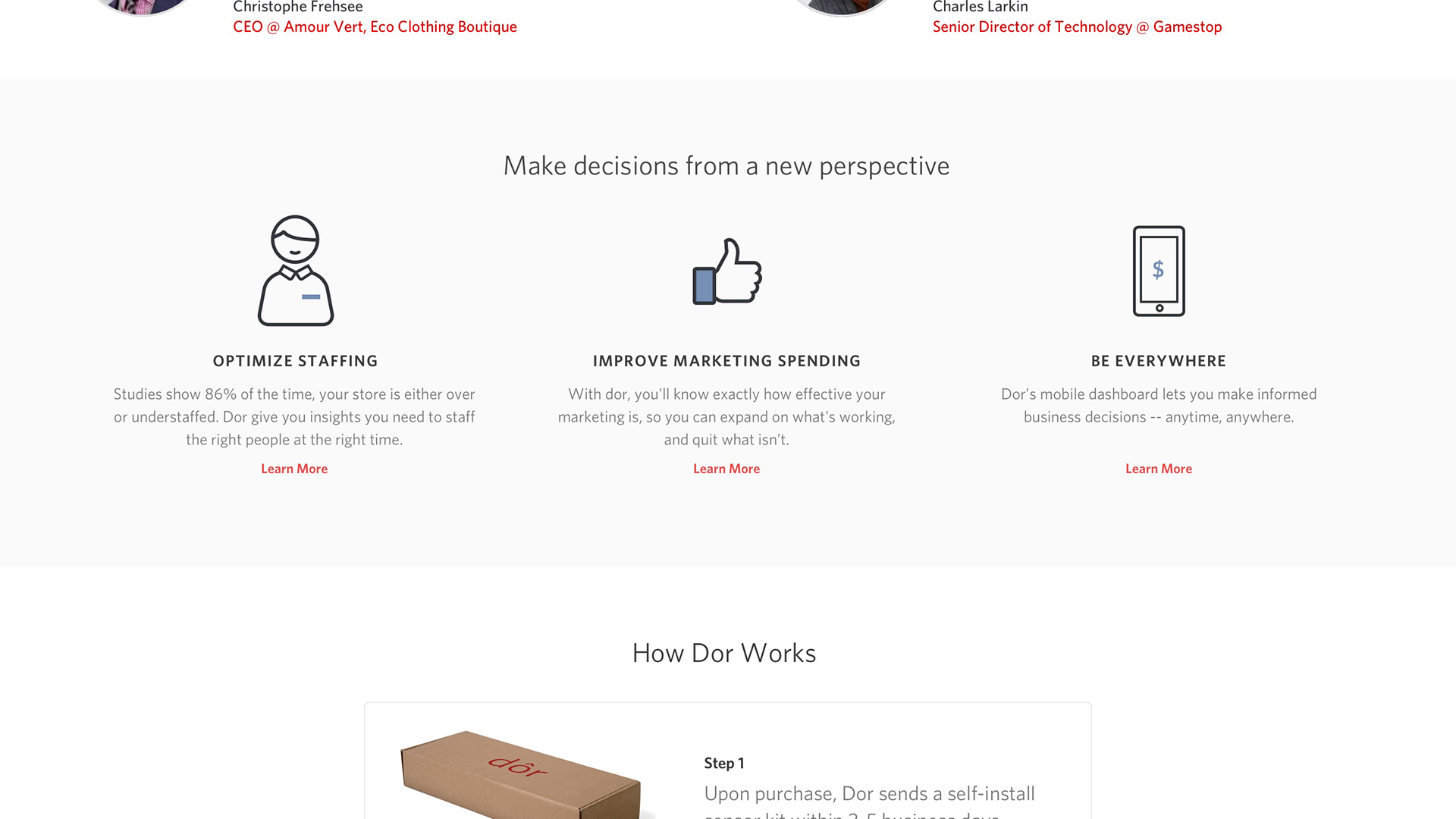
Visitors first see the product description along with customer testimonials about how Dor has helped their businesses.

The page then futher explains how retail analytics can tangibly help business owners make smarter decisions.

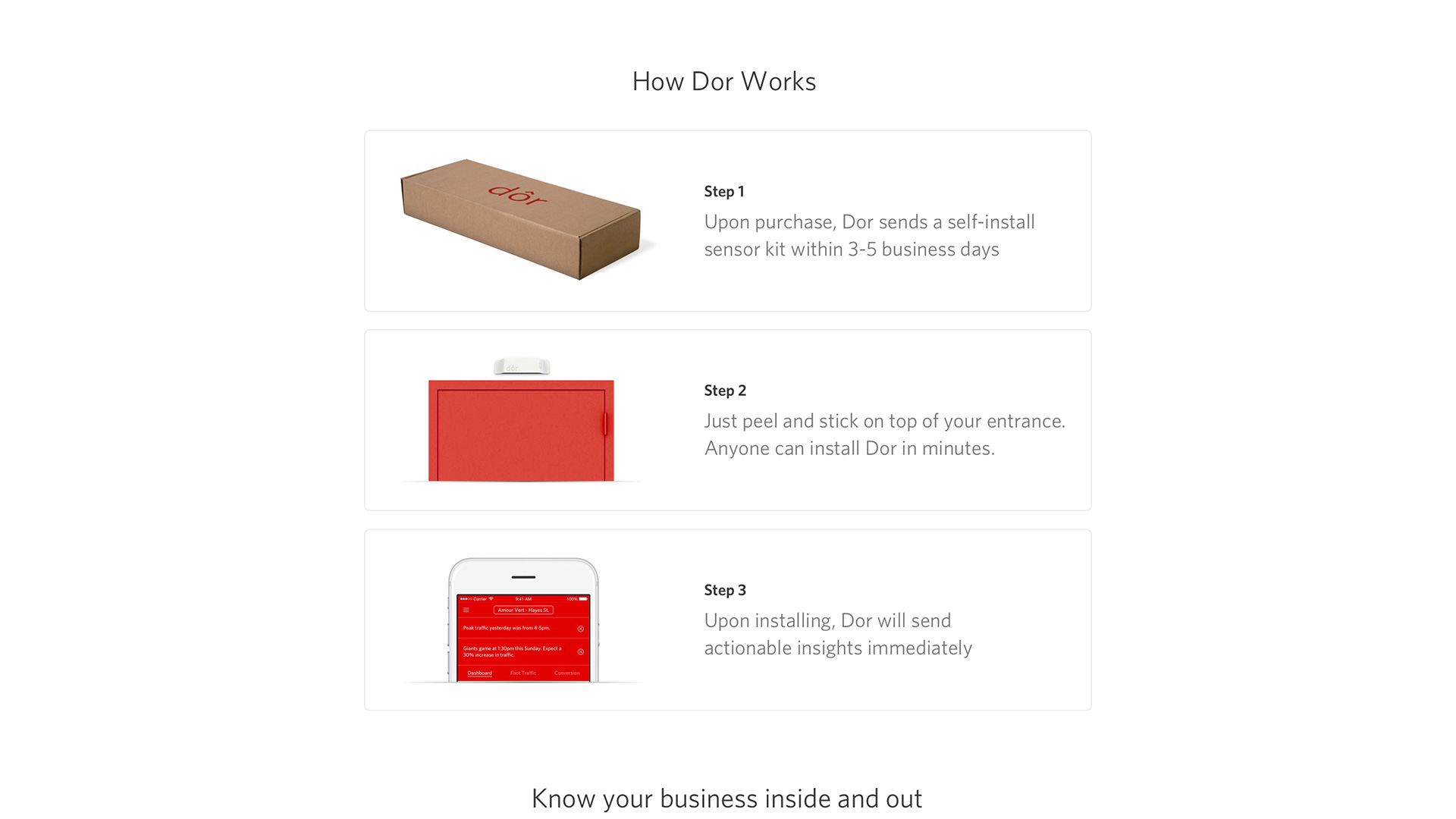
Dor's installation process is explained.

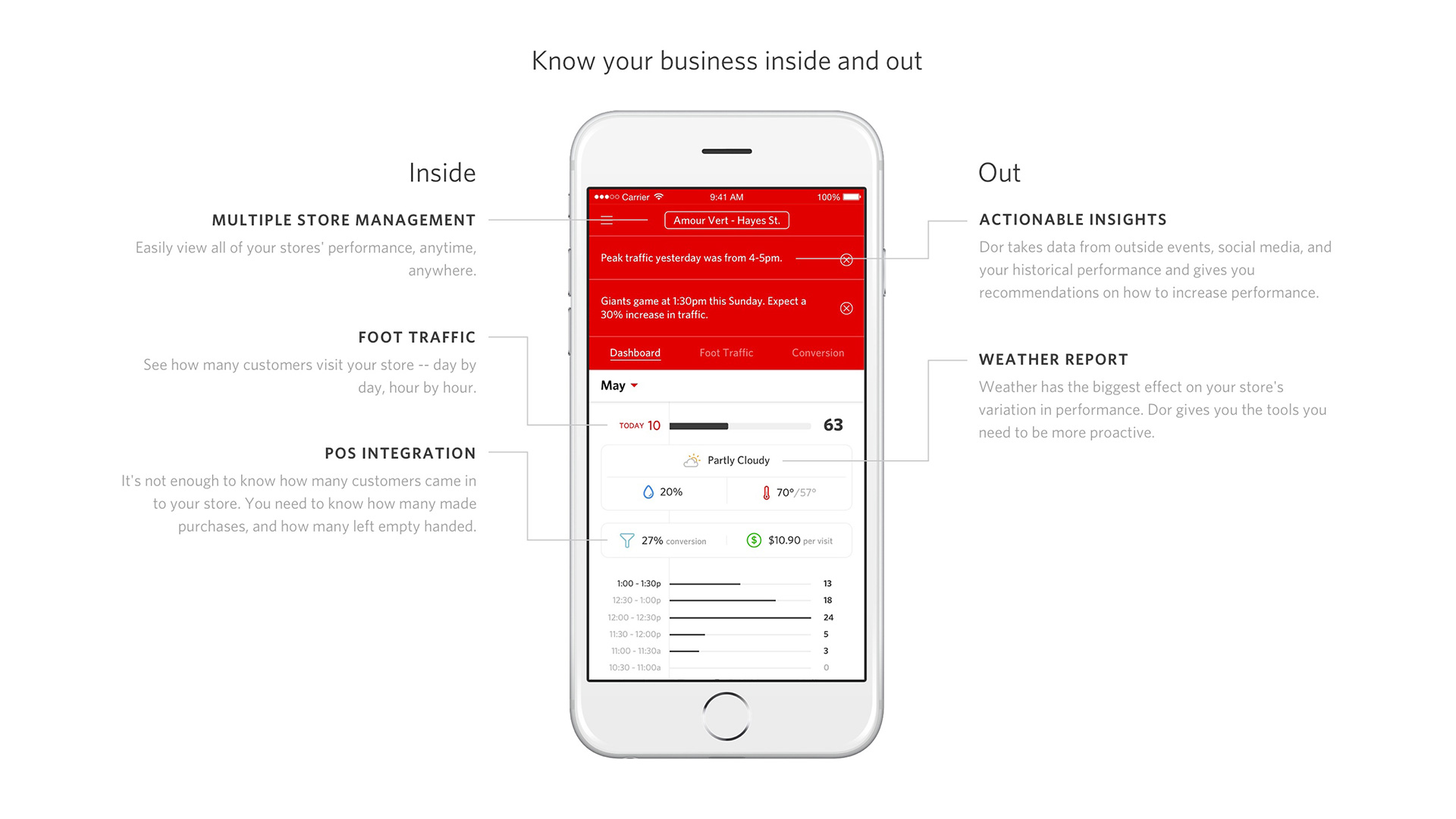
Key functionalities of the analytics UI are highlighted.

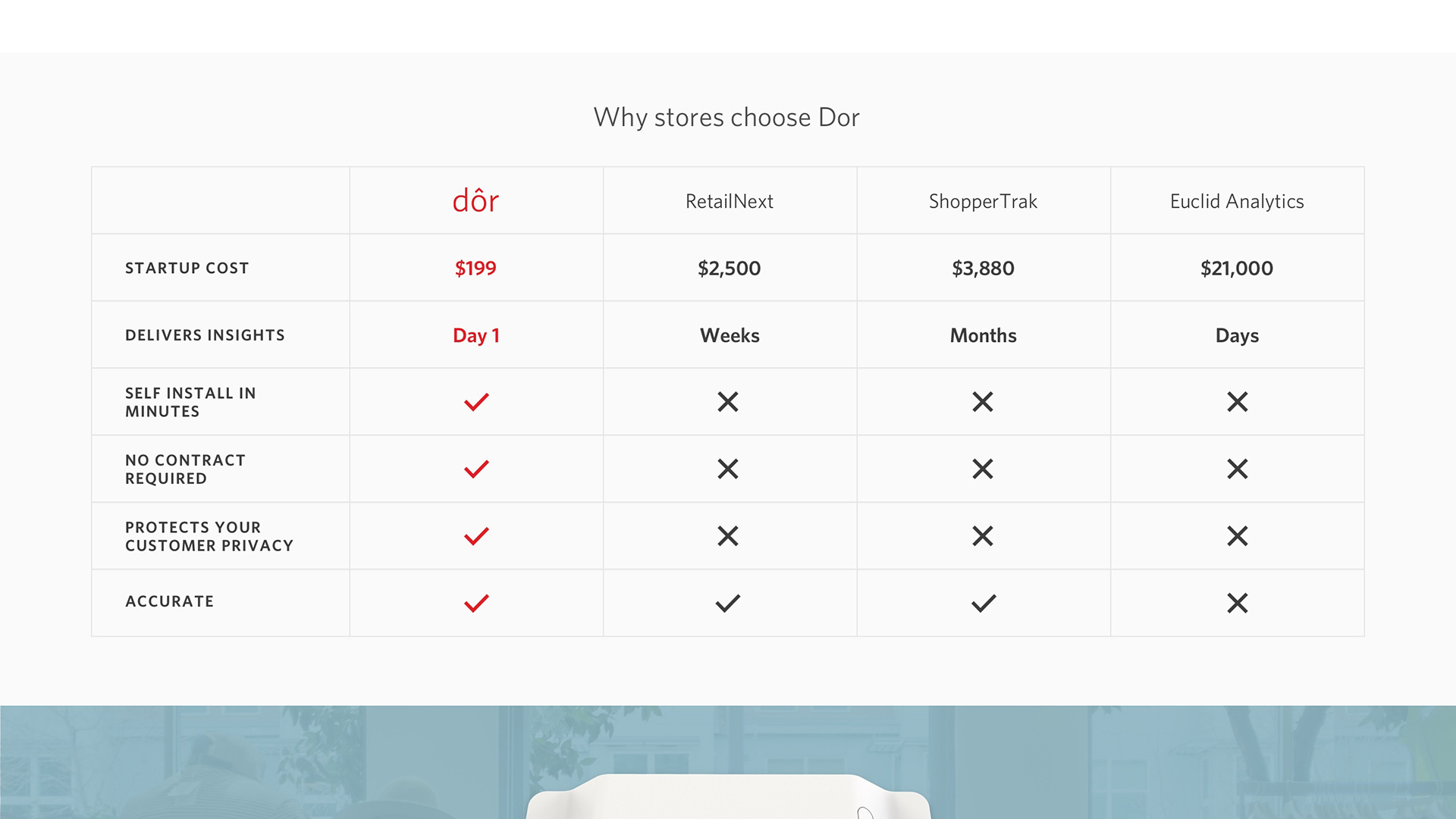
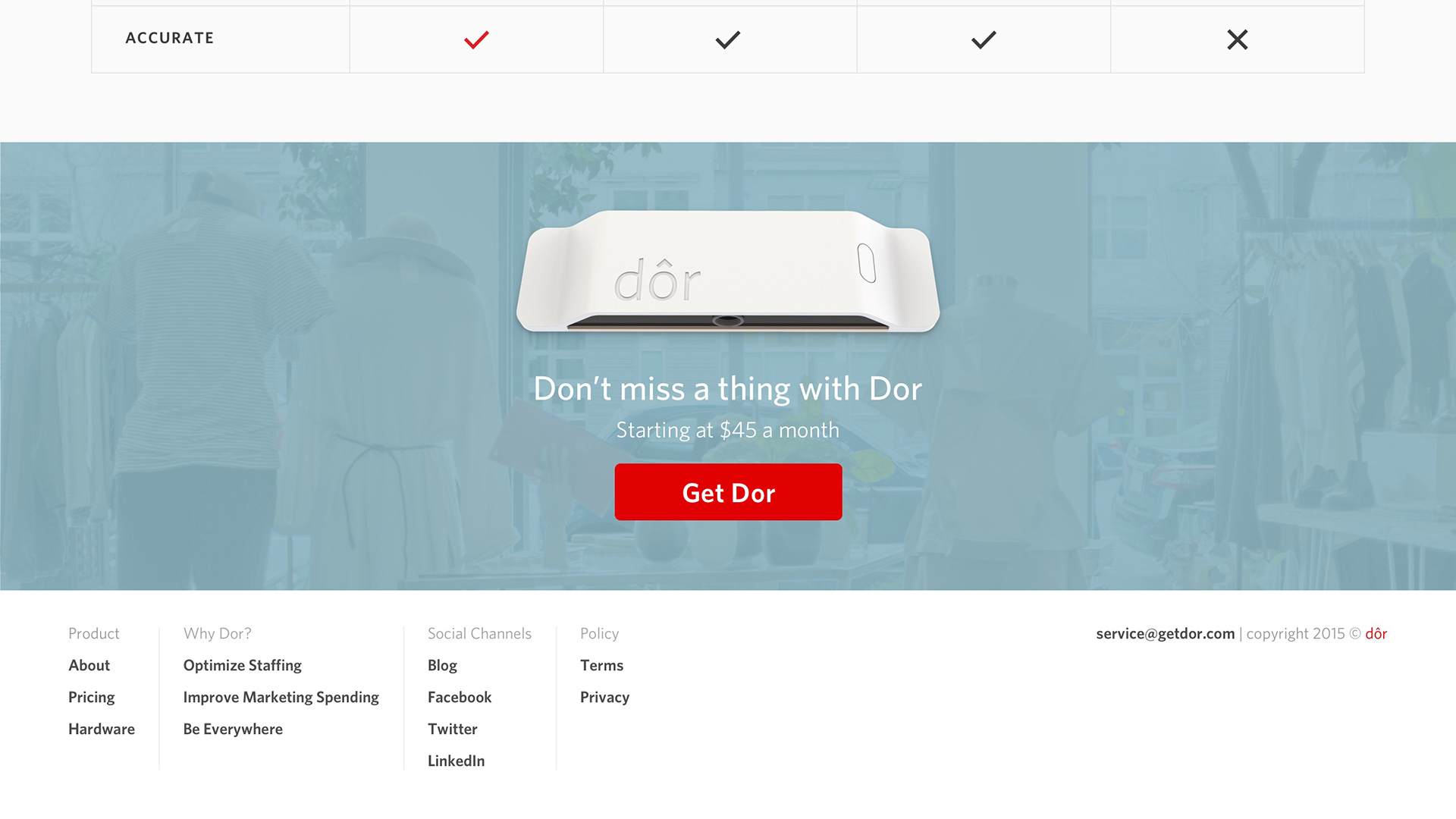
A competitive matrix proves how Dor tops the competition.

Lastly, visitors reach the final call-to-action for purchasing Dor and the footer.

03

Problem

How can Dor simplify the difficult buyer journey for retail analytics?

Solution

Dor's competitors require purchasing through a sales representative and professionally installing their sensors. Dor streamlines this painful buyer journey by selling its innovative self-install sensor simply on the website.
1/6

2/6

3/6

4/6

5/6

6/6

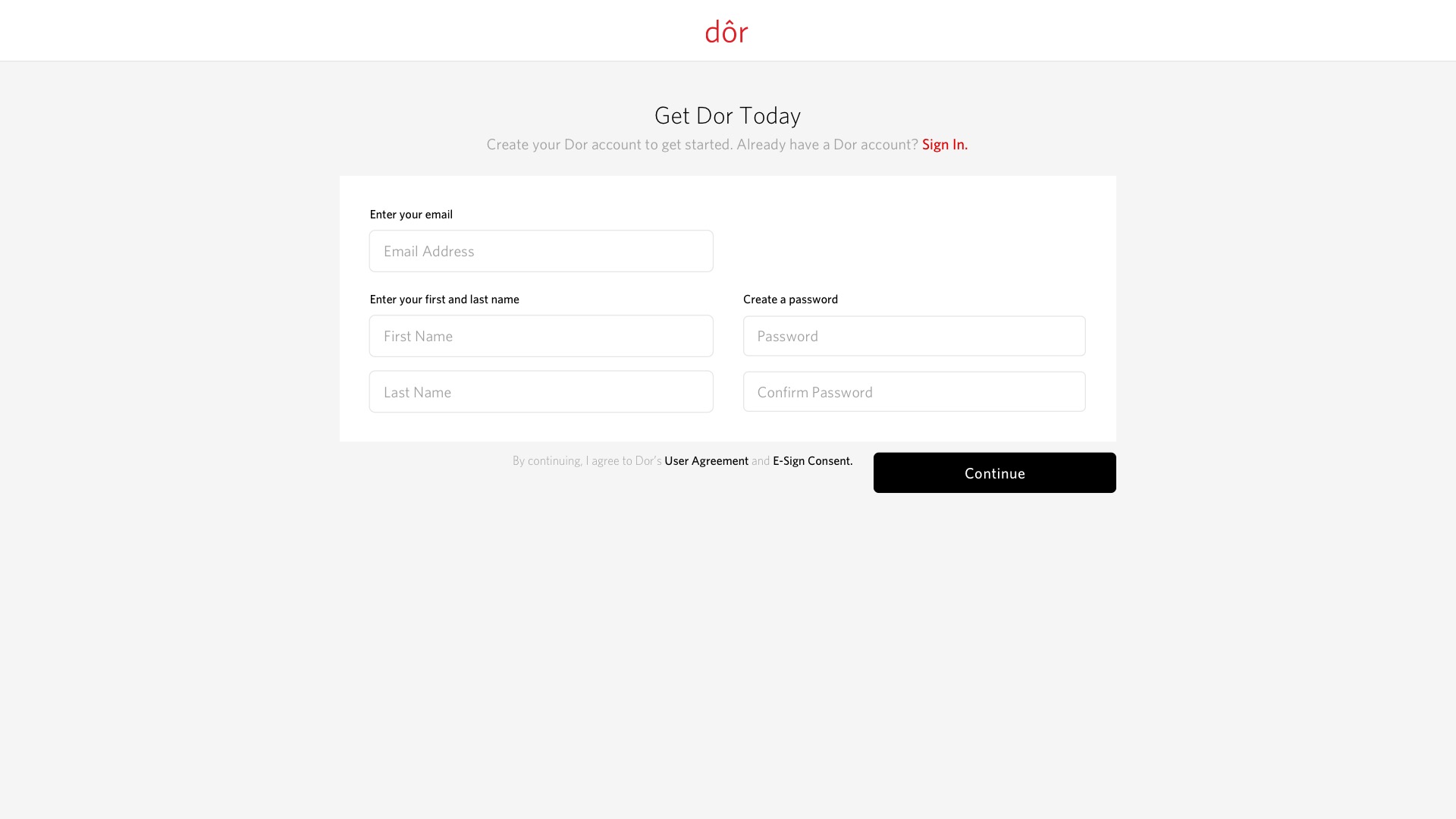
Customers can start by creating an account, which will be used in the future as their analytics credentials.

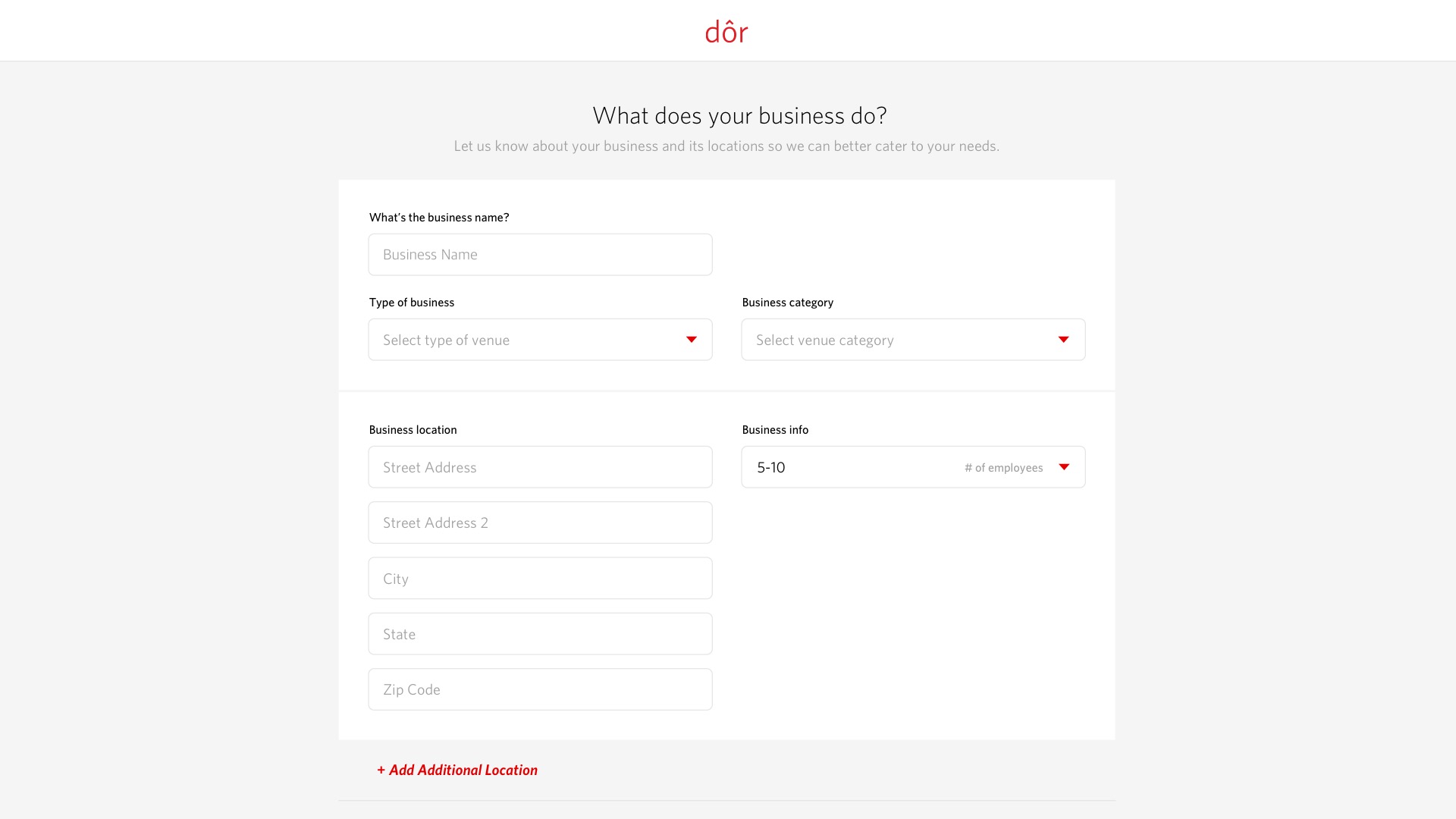
Customers must fill in information about their business and its locations.

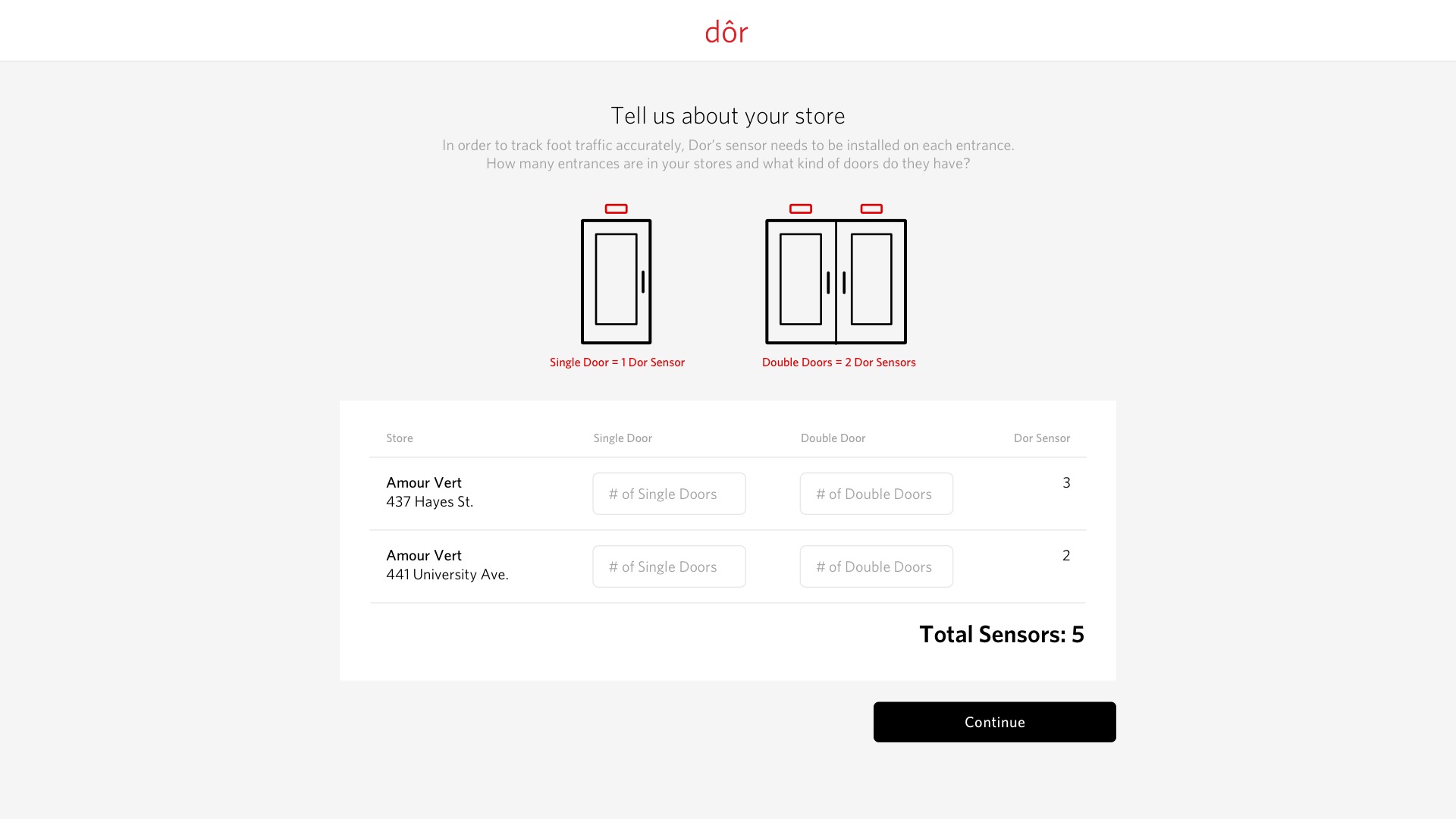
For each business location, customers must count the number of doors on every entrance.

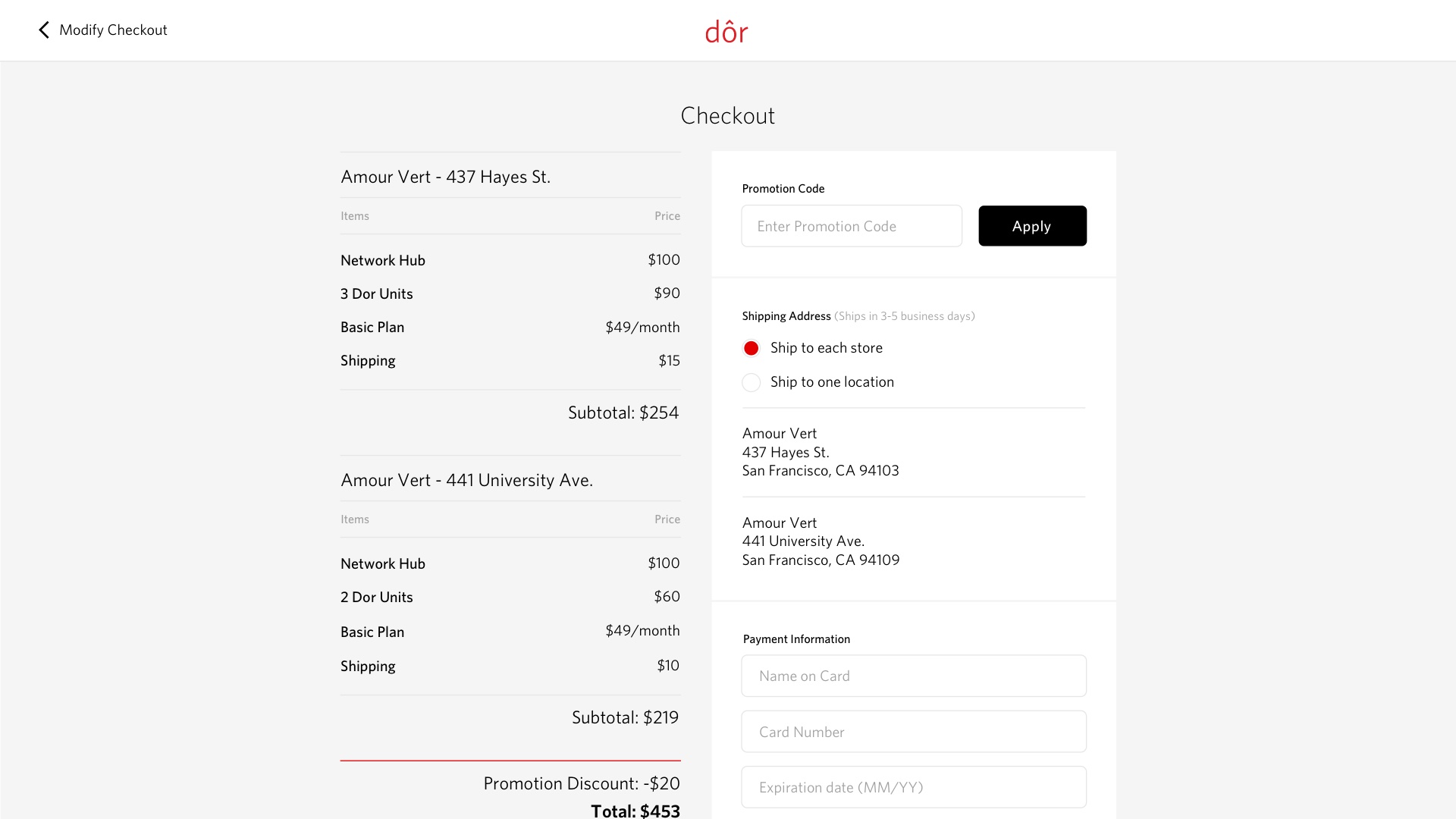
Customers can select which business location they want to equip with Dor and see the total costs.

Customers have an option to ship the sensors to each business location or all to one location.

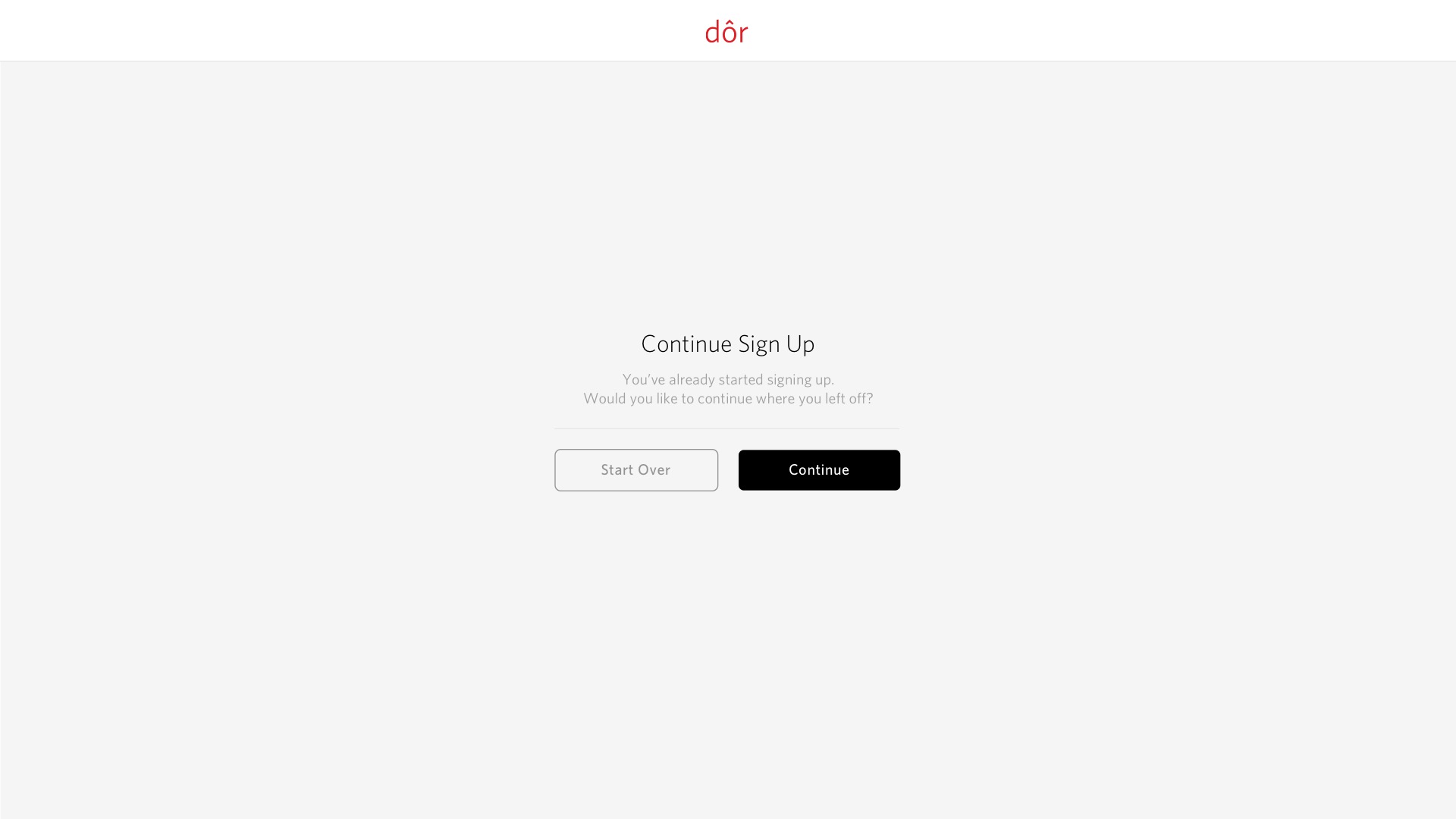
If a customer exits without completion and returns, they have an option to continue purchasing or start over.

04
More Screens
05
Branding